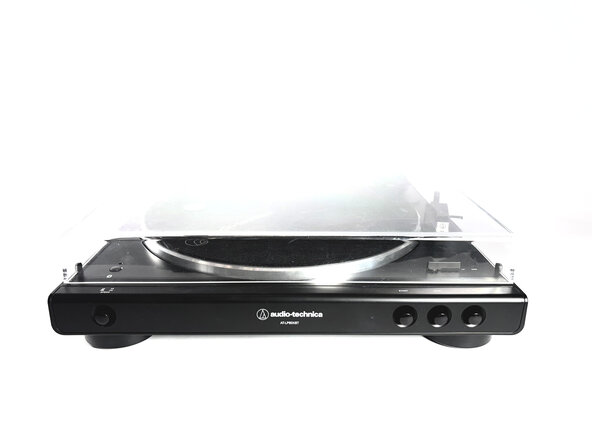
How to Repair an Audio Technica-LP60XBT Turntable That Plays Records at an Incorrect Speed
ID: 219897
Description: Many customers have reported online that their...
Steps:
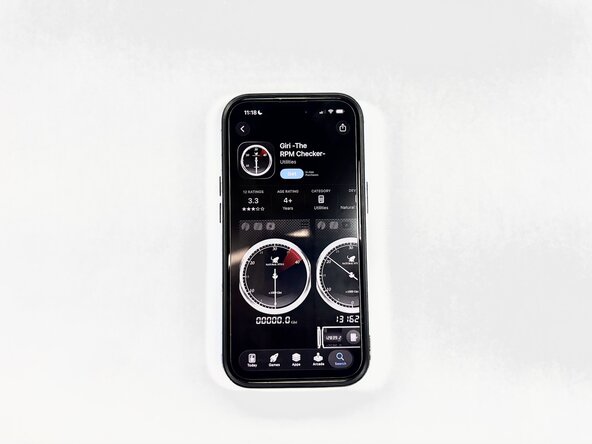
- IOS Users: Download the app "Giri -The RPM Checker-" from the App Store.
- Android Users: Dowload the app "Turntable Speed" from the Google Play Store.
- Carefully lift the record player vertically.
- Ensure that you do not knock the turntable itself off of its mount.
- Locate the two small holes at the bottom left: one labeled "45" and one labeled "33" respectively.
- 45
- 33
- Insert your precision screwdriver into the correct hole for the records you are playing. (33 is shown in this image)
- "45" is primarily used for 7-inch records.
- "33" is primarily used for 12-inch records.
- Turn the screwdriver in extremely short turns.
- To speed up the RPM, turn clockwise. To slow down the RPM, turn counterclockwise.
- Place your record on the turntable.
- Plug in your record player.
- Press the start button located at the front of the record player.
- Link your record player to a speaker via Bluetooth.
- Open the app you downloaded in Step 1 and allow it to use your phone's microphone, then play the record.
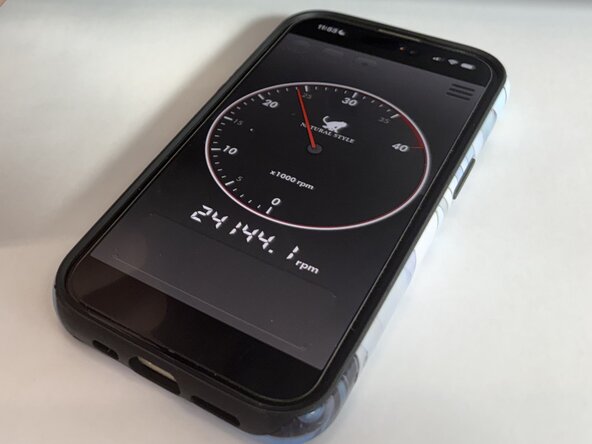
- The app will tell you the current RPM of your record player.
- Repeat steps 5-7 until the RPM on the app is aligned with the applicable RPM for your record size.