Restarting an ASUS Chromebook
ID: 220003
Description: This guide shows you how to restart your...
Steps:
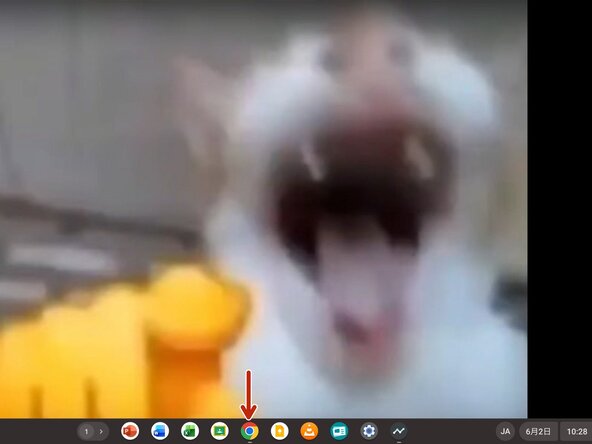
- First, please open the home screen of your Chromebook.
- My home screen is a laughing cat. Please look at the bottom.
- Open Chrome.
- If you cannot find it, download it from the store, or press the Launcher button (the 🔍️ icon) to open Chrome.
- Chrome screen.
- Click the address bar.
- Enter chrome://restart in the address bar.
- After entering it, press Enter.