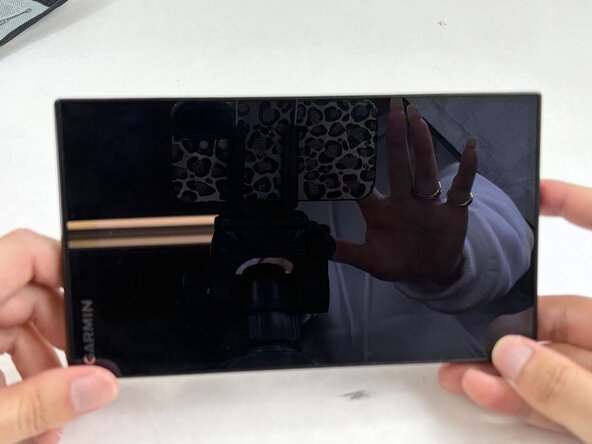
Garmin DriveSmart 71 EX Case Disassembly
ID: 220161
Description: Use this guide as a prerequisite to open your...
Steps:
- Unplug and power off the device.
- Remove the four 5 mm T5 Torx screws securing the rear case.
- Insert an opening pick into the seam between the front and back cover.
- Carefully slide the opening pick around the perimeter of the device to release the clips securing the front and rear case.
- Open the case with care not to strain the display ribbon cable or the microphone cable.
- You may hear small snapping sounds as the clips release. Don't worry, this is normal.