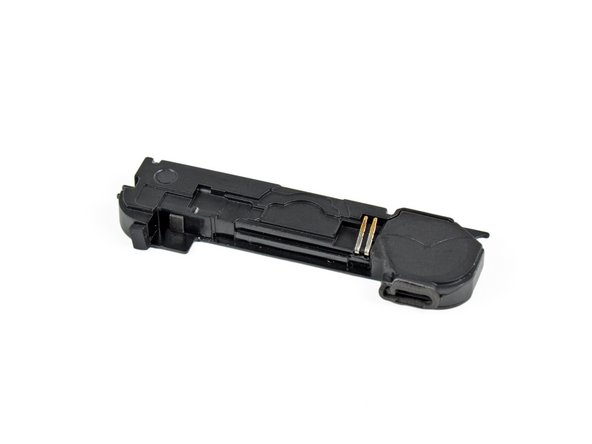
iPhone 4S - Charging Dock Connector & Loud Speaker and WiFi Antenna Replacement
ID: 27424
Description: If you have a problem with charging, connecting...
Steps:
- If present, remove the small strip of tape covering one of the dock connector screws.
- Use a plastic opening tool to flip up the retaining flap on the home button ribbon cable ZIF socket.
- Be sure you are prying up on the hinged retaining flap, not the socket itself.
- Use a pair of tweezers to pull the home button ribbon cable out of its socket.
- There are tiny components on the back side of the ribbon, so be careful not to damage them upon ribbon removal.
- Carefully pull the rubber microphone holder out of its tube in the bottom edge of the iPhone.
- Remove the two 1.3 mm Phillips screws securing the dock connector to the case of the iPhone.
- Remove the tiny rubber spacer near the dock connector.
- Use the edge of a plastic opening tool to peel the dock connector and its cable off the black plastic case of the iPhone.
- If you are replacing the dock connector with a new part, make sure to transfer the rubber casing around the microphone. You can do this using a spudger.
- Pry the dock connector away from its opening at the bottom of the iPhone.
- Remove the dock connector.
- Speaker enclosure remains.