AKASO KingPad A90 WiFi Antenna Replacement
ID: 40676
Description: Without proper internet connectivity, the A90...
Steps:
- Remove screws.
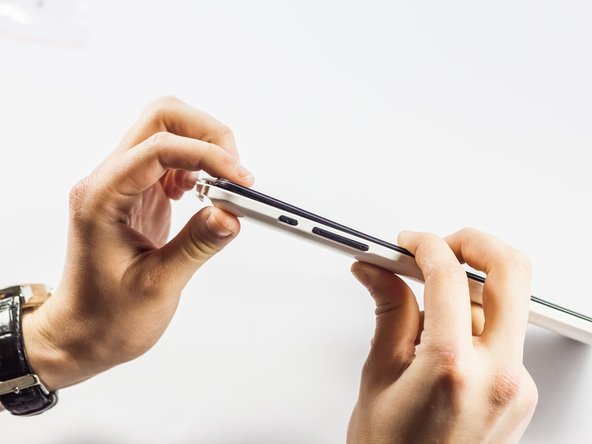
- Insert spudger tool on the middle of the left side, between the white and black plastic.
- Slide in a plastic opening tool and use it to further pull the back off.
- Work your way around the edge of the tablet with the plastic opening tool and insert more as needed.
- Pull off the back cover.
- Plug in soldering iron and let it warm up for ten minutes.
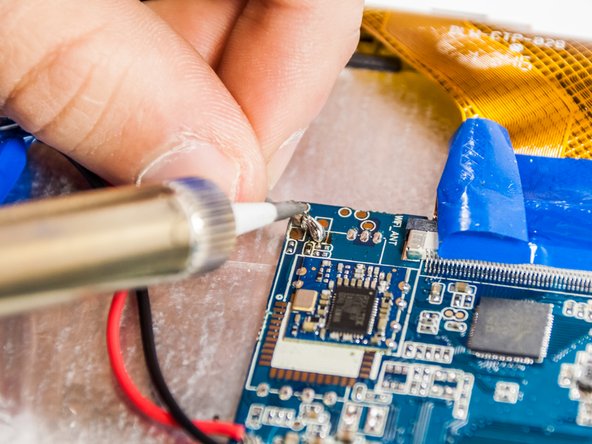
- Locate the the soldering points of the antenna on the motherboard.
- Peel back the protective tape that covers the display ribbon cable so it isn't too close to the soldering points.
- Solder hardens and cools quickly; you don’t need to wait to move on to the next step.
- If you do not know how to solder, be careful and follow steps precisely because you could otherwise ruin the device.
- With the new antenna locate the solder points.
- Add solder to the solder points to allow soldering.
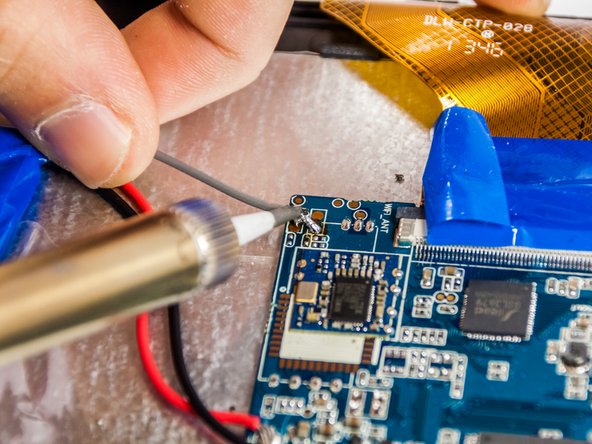
- Place the antenna at each point and melt the solder point.
- Place the antenna solder location into the melted solder blob and let it sit for about 2 seconds.
- Repeat this step for each of the solder points.
- Replace the back cover with the new part in place.
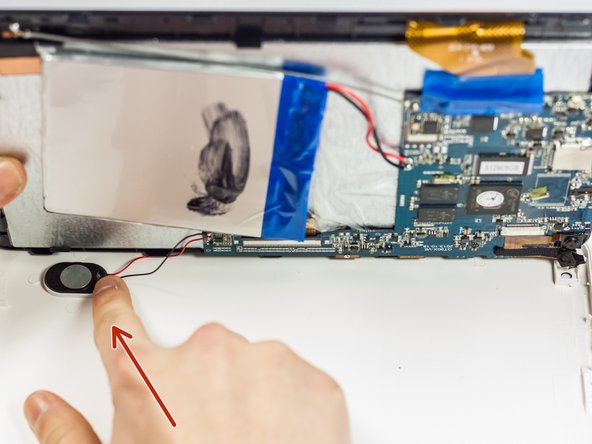
- Gently press the speaker into place.
- Don't let the volume rocker unit fall out of place.
- Replace the screws.