Samsung Galaxy S II Teardown
ID: 73002
Description:
Steps:
- Find the small divot and use a plastic tool or your fingernail to remove the plastic cover off the back. This step requires no removal of screws.
- Remove the 11 screws from the back of the phone. This will require a Philips #00 screwdriver.
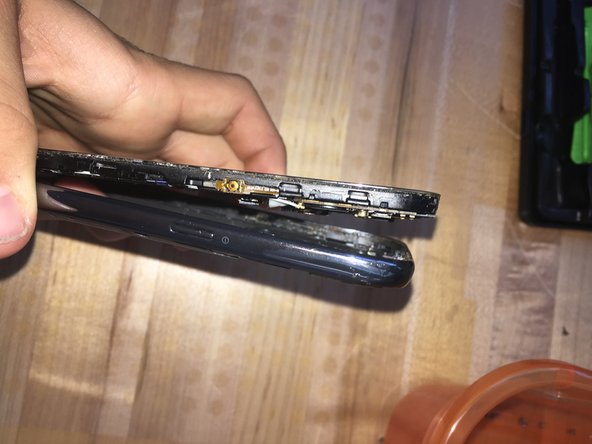
- Separate the screen and internals from the casing on the back by using a small plastic tool or your fingernail to get under the screen and lift it up. Once it has been unclipped, pull the 2 completely apart.
- The back of the screen should look like this. From here, we have access to any fixes that would nee to be made for the phone.