Samsung Powerbot R9250 Battery Replacement
ID: 78632
Description:
Steps:
- On the bottom of the bot, locate the battery lid along the curved edge of the bot.
- Unscrew each of the two screws and remove the lid to expose the battery.
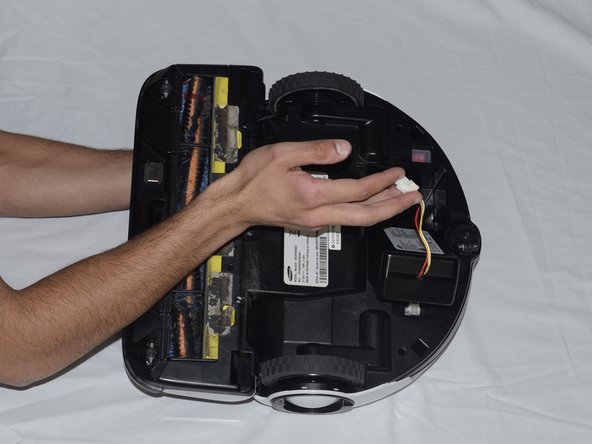
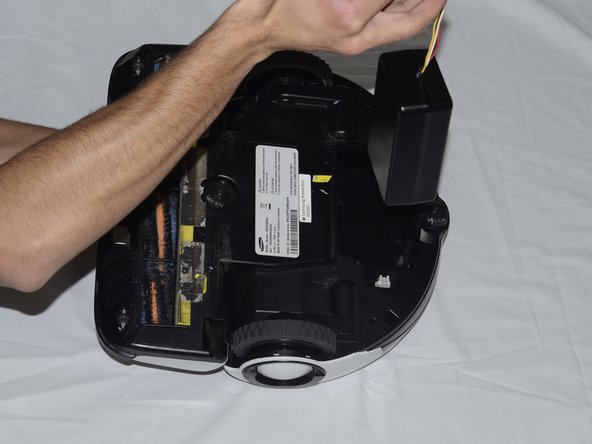
- Follow the wires to find the small white box next to the battery.
- On the side of the white box facing the battery, find the rigid tab.
- Push this tab into the white box, and pull the wires up. This releases the wire from the white box, allowing you to fully remove the battery.