Quantum View 10.1 Screen Replacement
ID: 87473
Description:
Steps:
- Remove the battery first. Steps for this process be found here Battery Removal
- See Remove speaker
- SeeRemove Keyboard connector
- SeeRemove Camera
- follow instructions on how to remove Motherboard
- Carefully peel back the silver sticker.
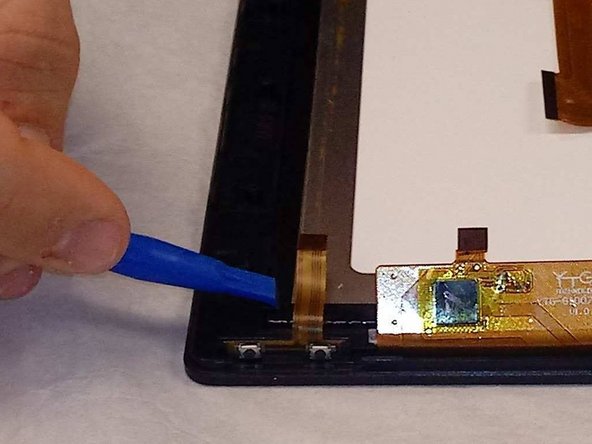
- Carefully release the screen from the display using the black tabs.
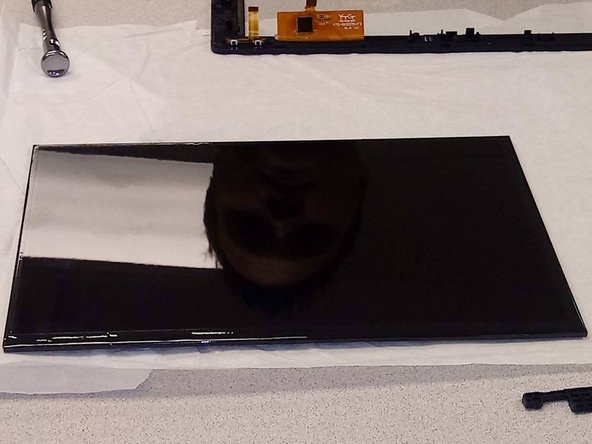
- Carefully pull screen away from display.