MacBook Unibody Model A1278 Battery Teardown
ID: 96177
Description:
Steps:
- The Unibody MacBook released in Late 2008 is one of the last Mac Notebooks to feature a "user replaceable battery".
- Apple abandoned the user-replaceable replacement battery in mid 2009 when the Late 2008 Aluminum MacBook was discontinued and replaced by the 13" MacBook Pro. This features a larger 58 Wh replacement battery and a higher cycle count of 1000 cycles.
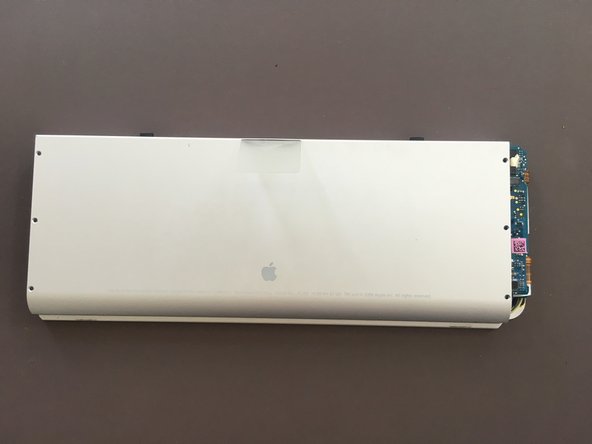
- Start by removing the 6 3 mm Y00 screws from the top side of the battery
- Flip the battery over and continue by removing the screws from the bottom side of the battery:
- Remove the 5 3 mm Y00 Screws.
- Remove the 1 2 mm Y00 Screw
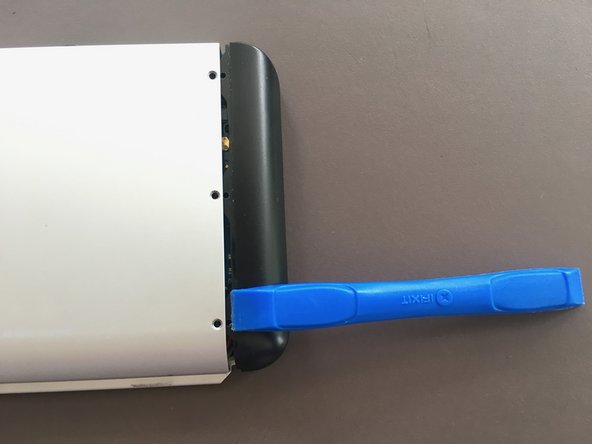
- Remove the plastic cover on the right side of the replacement battery with a plastic tool.
- Insert the tool in-between the plastic cover and the aluminium housing and pull it straight away from the housing.
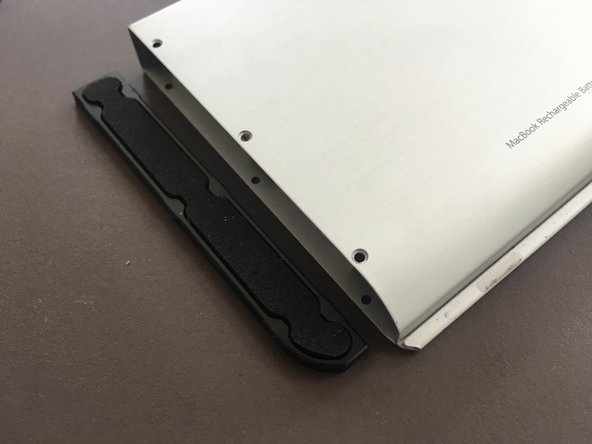
- Continue by removing the plastic cover on the left side of the replacement battery.
- Insert an opening pick in-between the aluminium casing and the cover and remove the cover by bending the opening pick upwards.
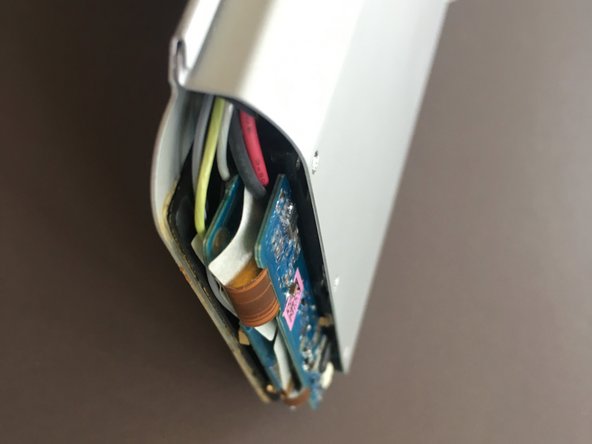
- With the plastic covers removed it's now time to get the battery pack out of its casing. However there is still one plastic piece glued to the aluminum casing which we have to remove first.
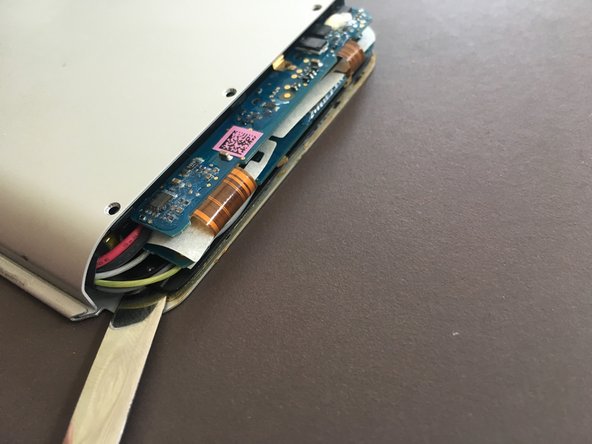
- Insert a spudger in-between the plastic piece and the aluminium housing.
- Be careful when working with metal tools near a replacement battery. Shorting out the battery terminals can lead to a fire.
- Work your way across the entire edge of the battery to free the plastic bracket from the aluminium casing.
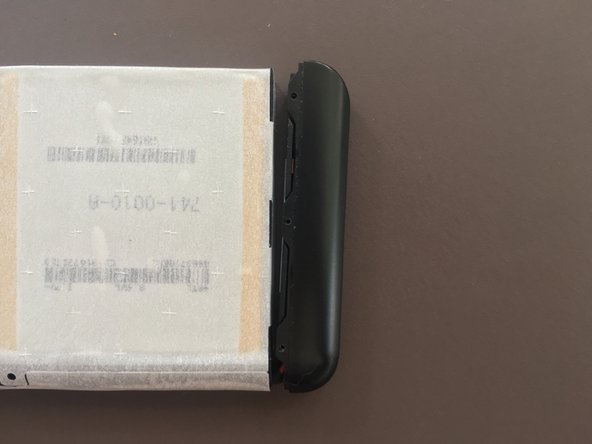
- With the plastic bracket free from the housing we can now remove the replacement battery from the housing.
- Push the plastic inside of the replacement battery from the non-PCB side into the direction of the PCB.
- The plastic bracket may drop out of the battery pack when removing the pack from the casing.
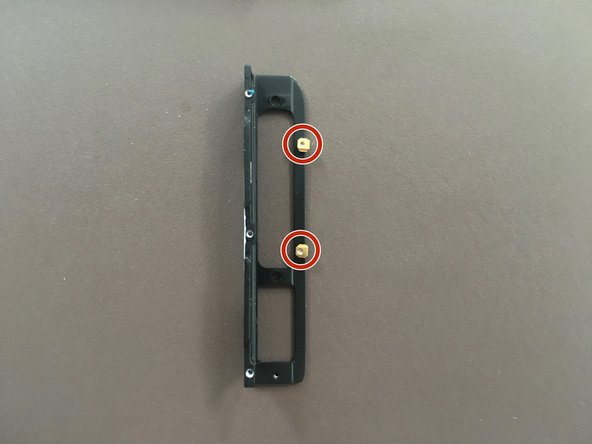
- When reassembling the pack make sure the metal pins on the plastic bracket are oriented in the direction shown as the plastic cover will hook onto these pins.
- Texas Instruments BQ29410 Battery Protection
- Reassembly is easier if you have already attached the plastic cover before inserting the replacement battery into the housing.
- The pack is now fully disassembled.
- Be careful not to puncture or damage the cells as this could lead to a fire.