LG Volt Power Button Replacement
ID: 98911
Description: The power button for the LG Volt is located at...
Steps:
- Pry back cover with finger in the crease.
- Remove back casing.
- With your finger, pry the battery out through the crease made for removal.
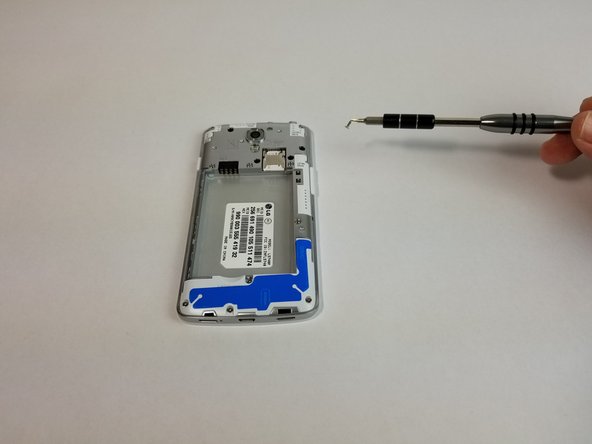
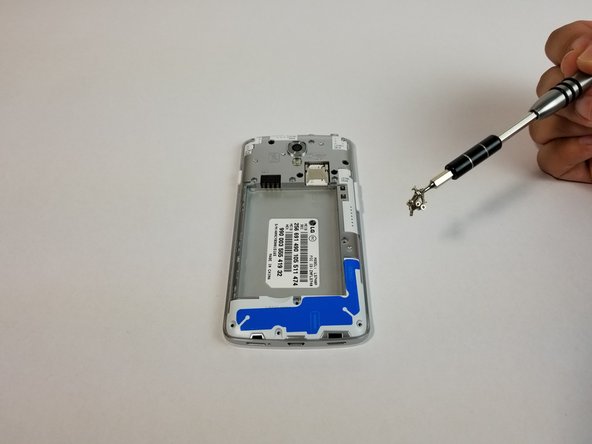
- Remove all 11 (4mm) screws with the JIS #000 screwdriver
- There are three screws on top, three above the battery, one next to the battery, one under the battery and three at the bottom of the phone.
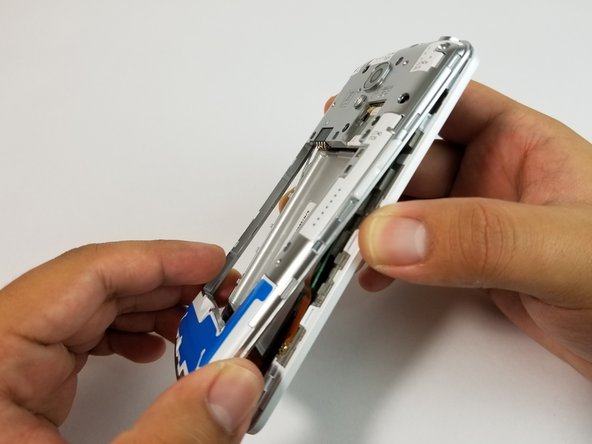
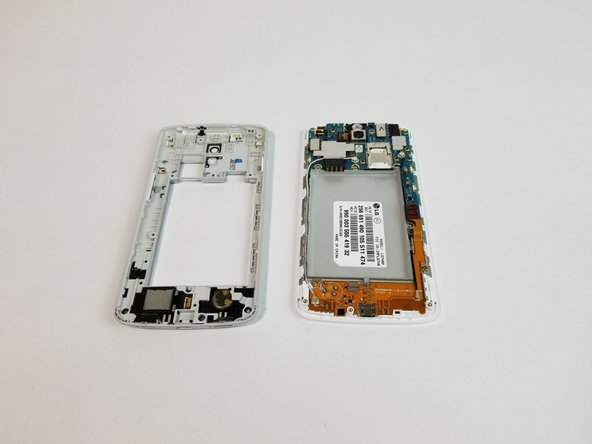
- Use the plastic opening tool to remove the back housing from the frame of the phone.
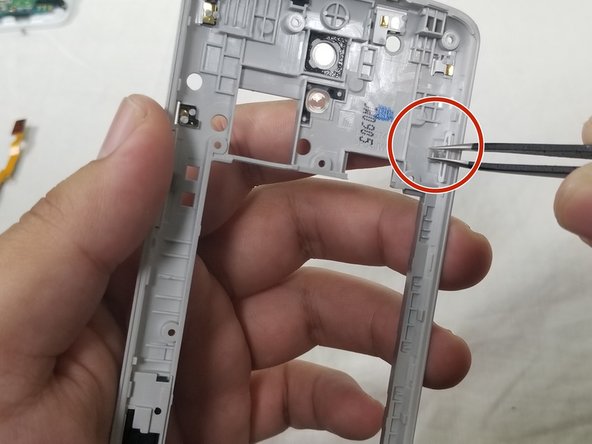
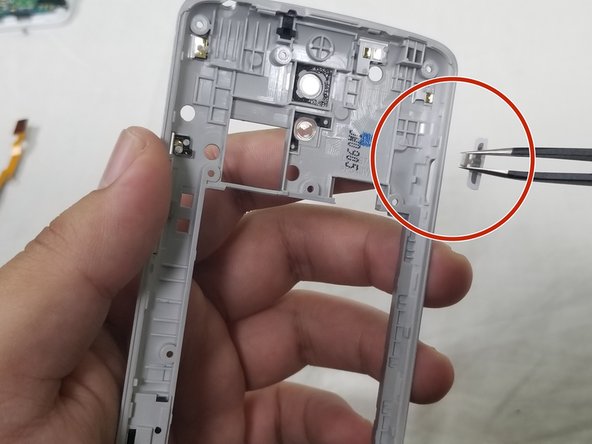
- Use the precision tweezers set to gently lift the rubber tab off its anchor.
- Then push the power button through the cutout to remove completely.