HP Officejet 4630 Power Supply Replacement
ID: 103481
Description: This guide will show you how to replace the...
Steps:
- Lift the hood of the printer.
- Remove the two T10 11mm screws.
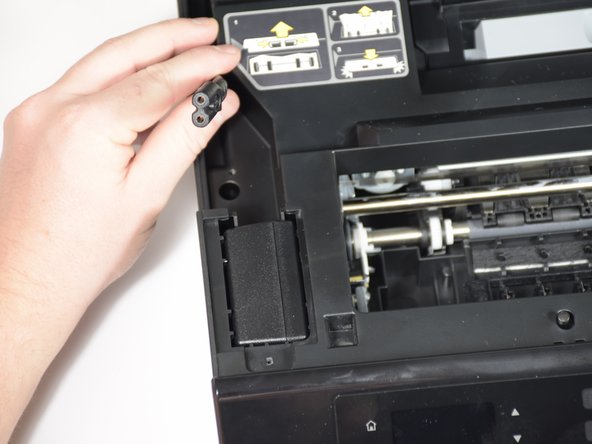
- Remove the panels covering the power brick and cord.
- Remove the cord from the power supply.
- Slide the power supply out from the chassis.
- The power supply is still attached; don't pull too quickly.
- Remove final cable from power supply.