Gateway MA7 CD/DVD Drive Replacement
ID: 106553
Description: Removal of the CD/DVD drive. Use this guide to...
Steps:
- To prevent injury, make sure the laptop is unplugged before removing the battery.
- Push the locking tab over to the right away from the battery to unlock it from the laptop.
- Hold the additional locking tab to the left while puling out the battery.
- Remove the following screws securing the plastic panel from the bottom of the laptop:
- Remove the seven 6 mm screws with a Phillips #0 screwdriver
- Pull upwards on the top of the plastic panel to remove it.
- With the exception of the screw marked "K", all of the screws will remain connected to the plastic piece.
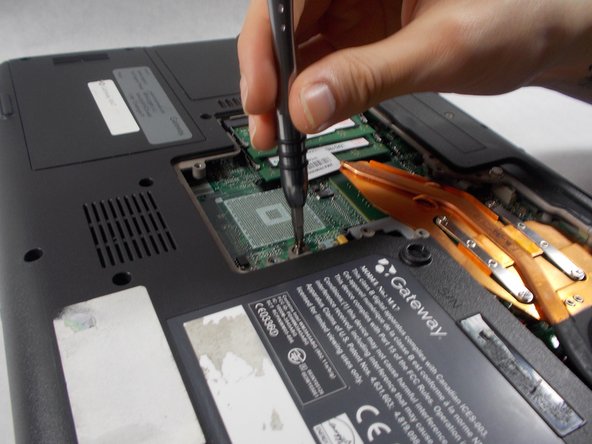
- Remove the following screws holding the DVD/CD drive in place:
- One 6 mm Phillips #0
- Use the edge of a plastic opening tool to push down on the metal latch preventing the drive from being pushed out.
- While pressing down, push the metal latch out away from the laptop.
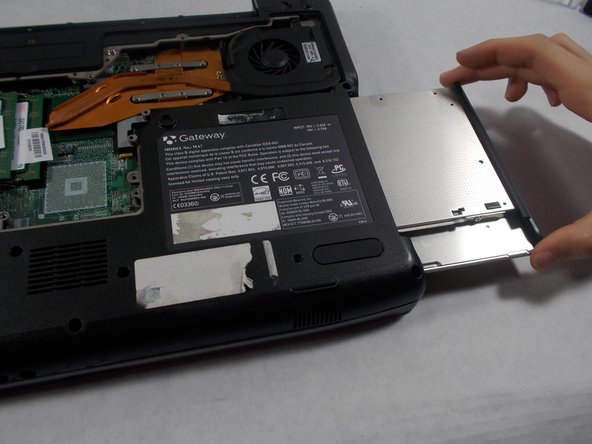
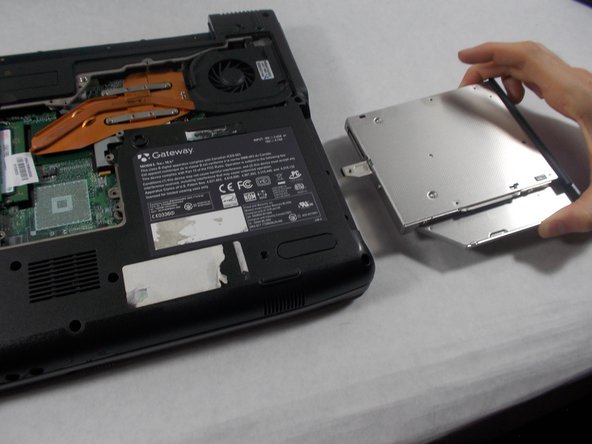
- Once the drive has been pried out, you can pull the CD drive out.