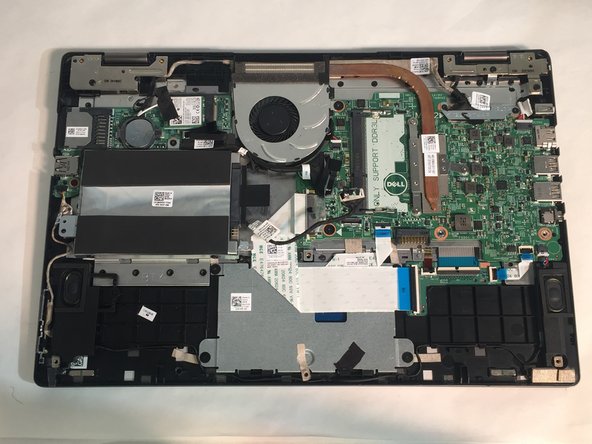
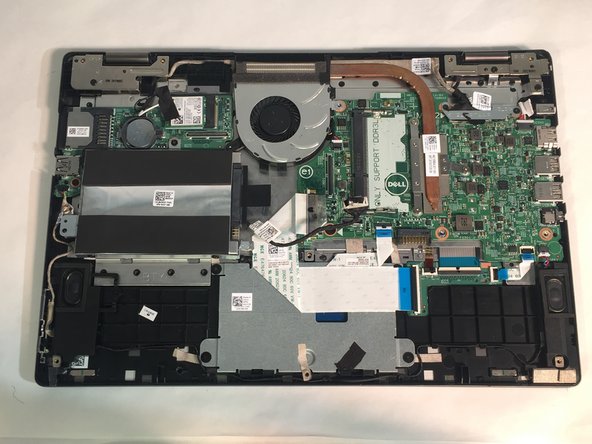
Dell Inspiron 13-7353 Fan Replacement
ID: 106869
Description: If you notice your laptop is overheating, then...
Steps:
- WARNING: Please read the safety information shipped with your computer and follow recommended steps before working inside your computer. When finished working inside your computer, follow the instructions included in the safety information.
- Close the computer display and turn the computer over so that the base of the computer is facing up.
- Remove the ten screws that secure the base cover to the base of the computer.
- Using a plastic scribe (plastic opening tool), pry the base cover off of the base of the computer.
- Before opening your device, ensure that all data is backed up on a hard drive to prevent data loss.
- Loosen and then unplug the hard drive cable.
- Remove the two M2 3mm screws attaching the battery using the Phillips #1 screwdriver.
- Remove the battery.
- Pry open the two clips.
- Gently lift the RAM stick and pull it out of the motherboard.
- Unplug the daughterboard cable in two places, then remove the daughterboard.
- Unplug the fan cable.
- Remove two 3mm screws from the cooling fan using the Phillips #1 screwdriver.
- Remove the cooling fan from the laptop.