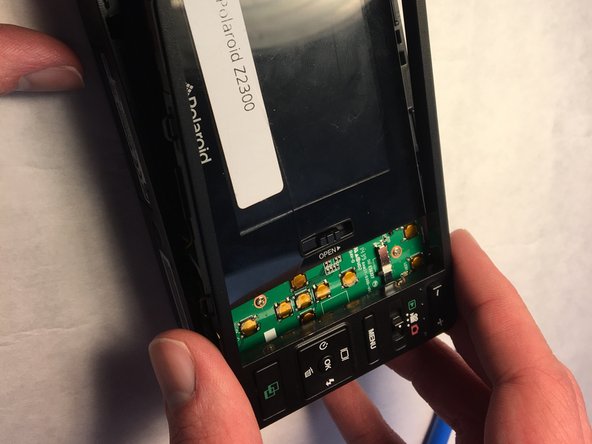
Polaroid Z2300 Control Panel Replacement
ID: 115739
Description: This guide is intended for users who have...
Steps:
- Locate and remove the two 2.5 mm long screws on the bottom of the camera.
- Screw head: JIS J00
- The screws are very small, be careful not to strip or lose them!
- Once the two screws are removed, flip the camera to back side up.
- Use a plastic opening tool to disengage the outer plastic trim until it can be safely removed.
- Use a plastic opening tool to pop the control panel off, it should be easy to lift up and remove.