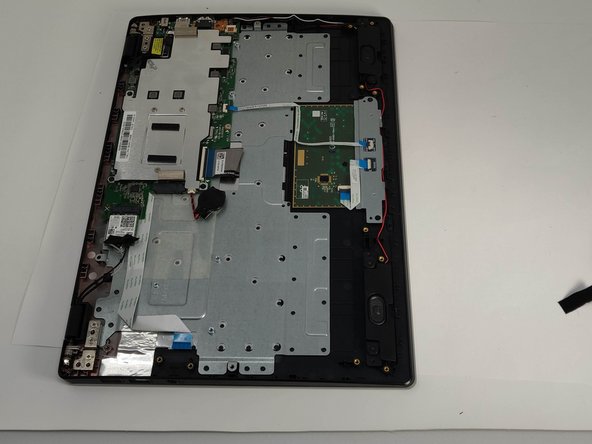
Lenovo IdeaPad 100s-14IBR USB/Headphones Jack Replacement
ID: 122478
Description: Does the USB/headphone jack in your Lenovo...
Steps:
- Remove the eight 4mm PH00 screws.
- Remove the four 2mm PH00 screws.
- Use the nylon spudger to loosen the back cover from the back of the device.
- You may hear a bit of a snapping sound, but this is normal.
- For safety reasons, disconnect the wires connecting the battery to the motherboard with the nylon spudger.
- Remove the three 4mm PH00 screws.
- Unplug the ribbon wire connected to the USB/Headphone Jack PCB by lifting the black plastic tab holding the ribbon cable down.
- Be extra careful not to bend the ribbon cable too much as it is fragile.
- Lift the USB/Headphone Jack PCB off of the board gently and put it to the side.