iRobot Roomba 891 Battery Replacement
ID: 124746
Description: This guide will walk you through the required...
Steps:
- Start by flipping your Roomba onto its back on a flat surface.
- Be sure not to close the side brush bristles in the battery door during reassembly as shown by the handy warning in the second photo.
- Unscrew both the 11mm Phillips #2 screws from the battery cover and remove cover from the Roomba.
- These captive screws are not intended to be removed from the cover.
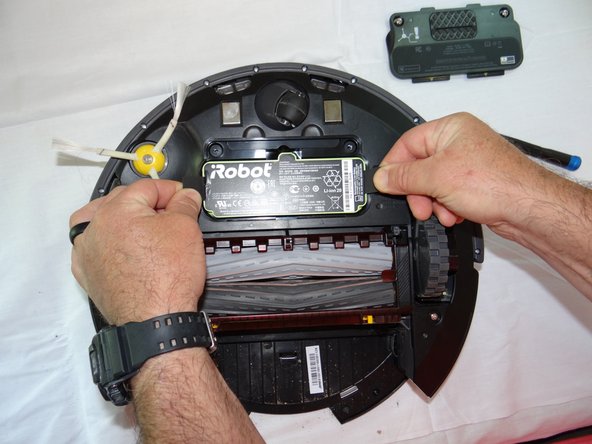
- Grasp the tabs on either side of the battery.
- Remove the battery by pulling up on the tabs.
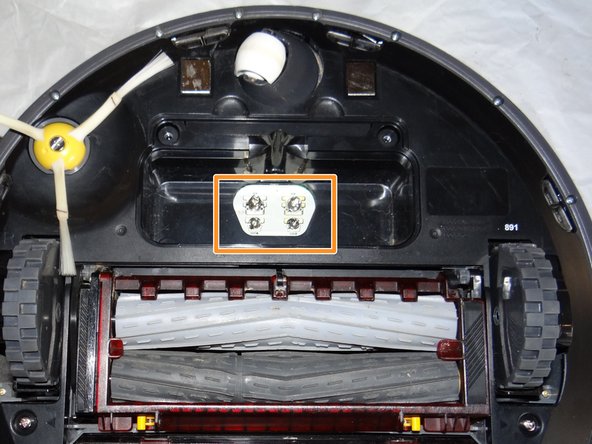
- While you're here, check the battery contacts for corrosion or debris.