DigiLand DL8006 Motherboard Replacement
ID: 128014
Description: This guide will demonstrate how to replace to...
Steps:
- Remove the backing of the tablet to reveal the internal components using a plastic opening tool.
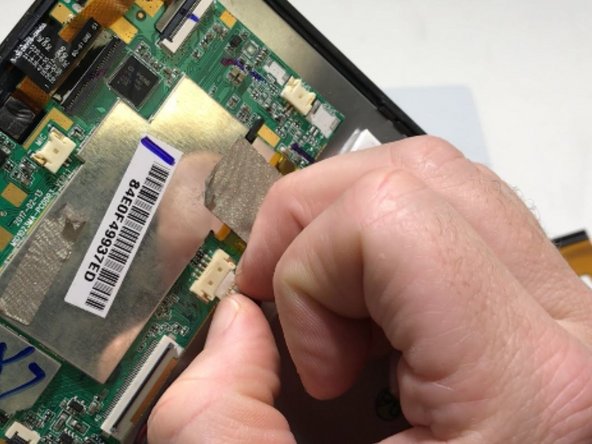
- Peel back the metallic tape connecting the motherboard to the tablet body with your fingers.
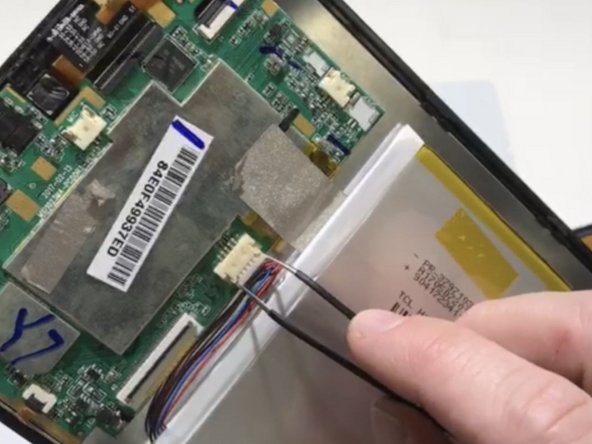
- Remove the battery plug from the motherboard.
- Fingers may be used to gently wiggle the connector out if it becomes stuck.
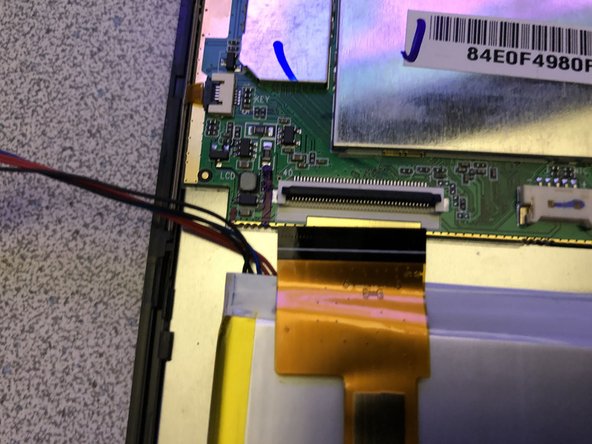
- If battery wires are under the ribbon, Do Step #4 first.
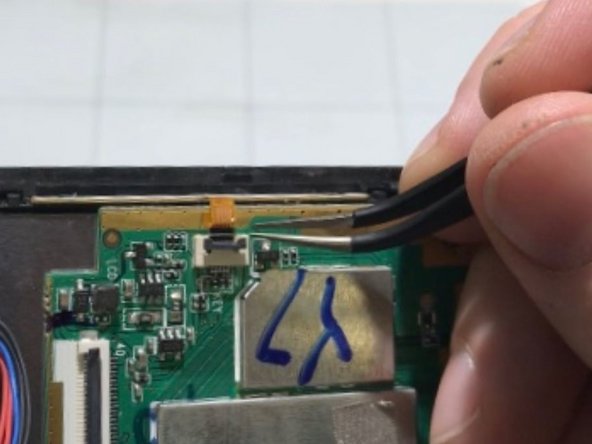
- Opening the locking tab of the ZIF connector and carefully remove the upper section of the ribbon cable from the motherboard using tweezers.
- Disconnect the three remaining ribbons by opening the locking tabs of the ZIF connectors and gently pulling the cables out.
- Use tweezers to manipulate the connectors and ribbons to prevent damage.
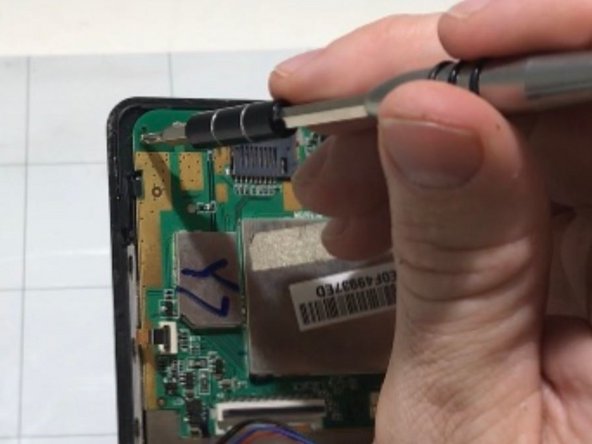
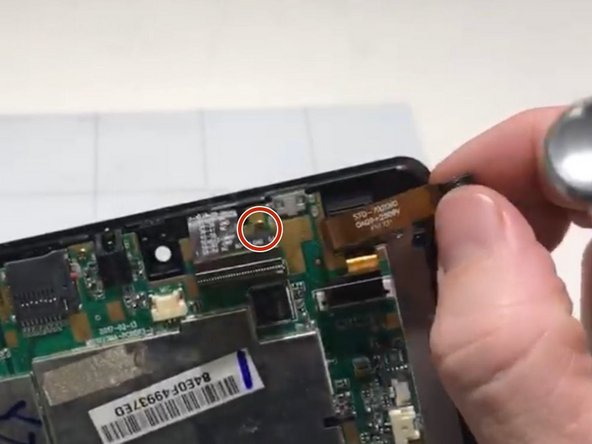
- Remove the 3 mounting screws from the motherboard with a Phillips #0 screwdriver.
- One of the screws is located under a ribbon. You will need to gently peel back the cable to access it (see image 3).
- Gently remove the motherboard from the case.