Expansion Teardown
ID: 133144
Description:
Steps:
- Using a flat head screwdriver or plastic tool
- Remove the cover
- Remove the drive from the case
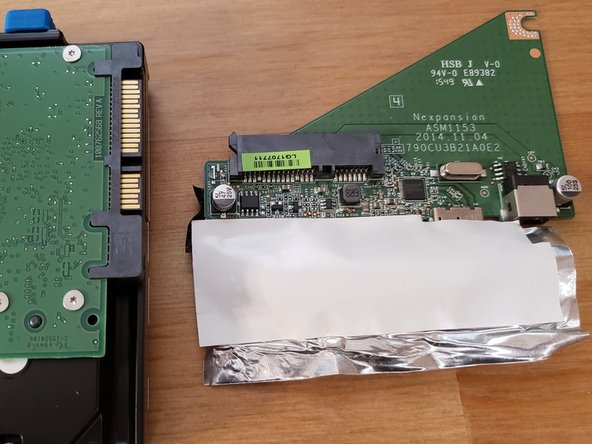
- Peel back the shielding
- Remove the Screw with the #02 screw driver
- Separate the adapter form the sata port