How to Fix a Dead Key on a Yamaha PSR-280 Piano Keyboard
ID: 135757
Description: If you need to replace a key on your Yamaha...
Steps:
- Unplug the cord from the wall and the back of the keyboard.
- Flip over the keyboard.
- Check the battery holder and remove the battery cover.
- Remove all outer screws with a Philips screwdriver. These are the 19.0 mm Philips screws.
- Remove the middle screw and the middle top screw. They are the 25.4 mm Philips screws.
- Carefully remove the cover, and set it aside.
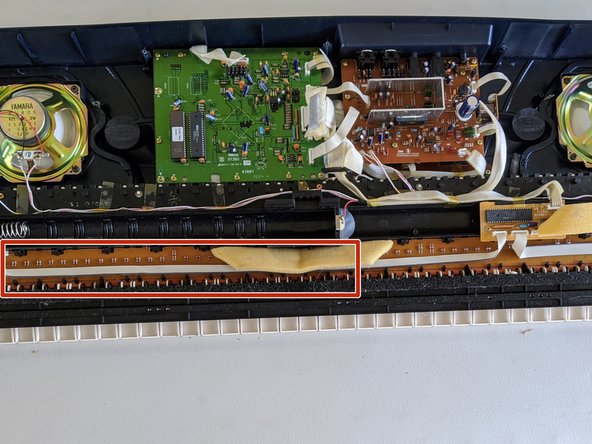
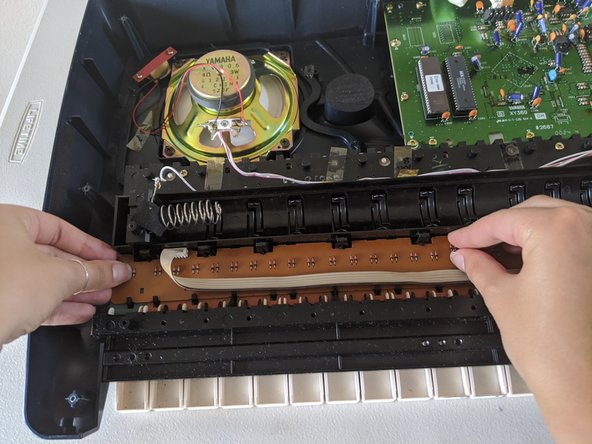
- Find the contact pad.
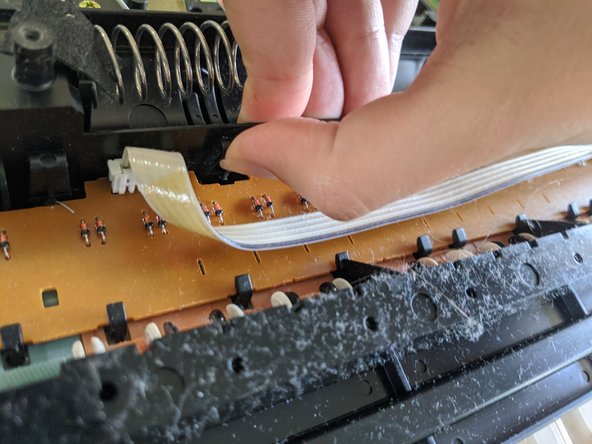
- At the top of the contact pad, carefully pinch the black clamps closed.
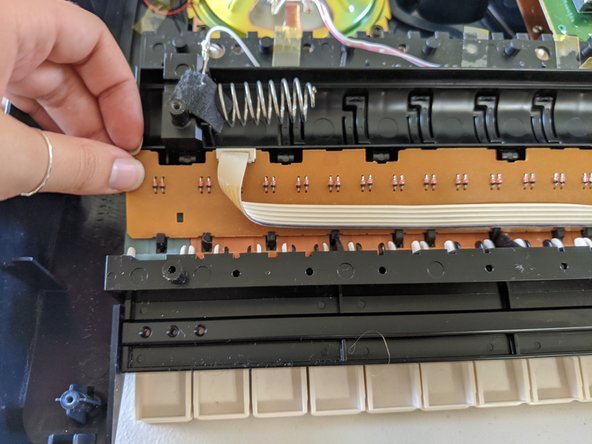
- Once all the clamps are closed, wiggle the contact pad free.
- Be careful of the small black hooks at the bottom.
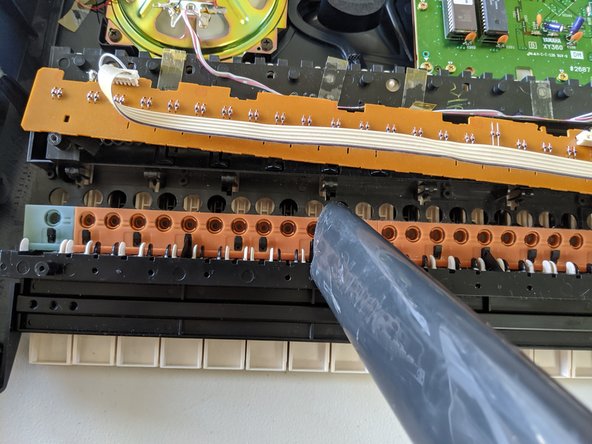
- After the contact pad is free, gently lift it up.
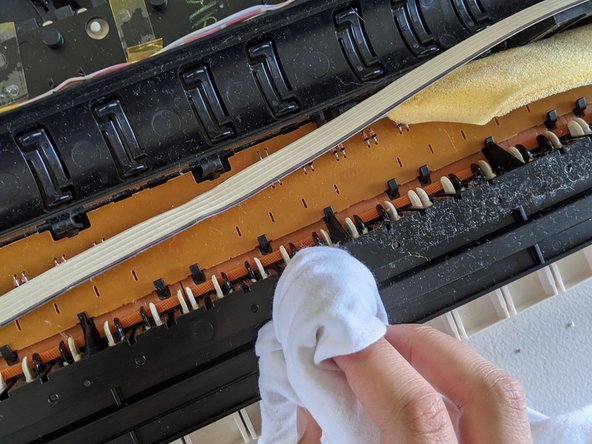
- Vacuum and/or gently wipe the dust away.
- Place the contact pad back gently.
- Place the cover back on.
- Place the screws back in.
- The 25.4mm Philips screws go in the middle and top middle. The 19mm screws go around the case.