Vivedino Troodon Screens and Macros
ID: 139280
Description:
Steps:
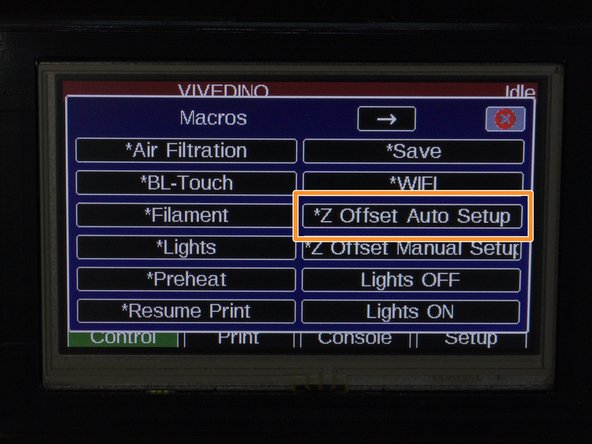
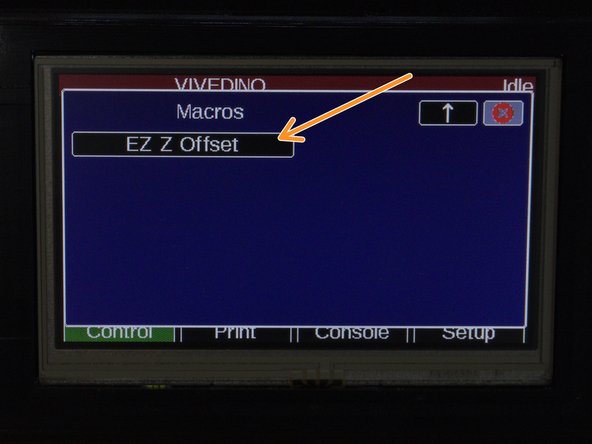
- Macro> Z Offset Auto Setup> EZ Z Offset. Follow the prompts and afterwards, your Z Offset will be dialed in and stored.
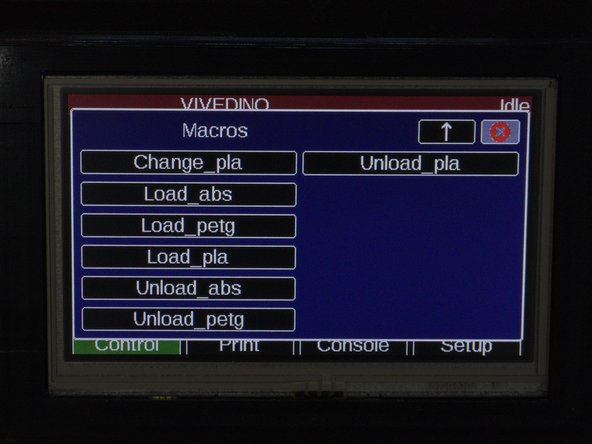
- Macros for different filaments. The temperature changes for each.