Packard Bell EasyNote TJ65-CU-030GE hdd Replacement
ID: 144570
Description: greetings! we`ll embark on a journey to fix or...
Steps:
- first remove battery
- secondly with a flat thin screwdriver clip keyboard
- carefully flip keyboard
- lift the black bracket that holds the keyboard
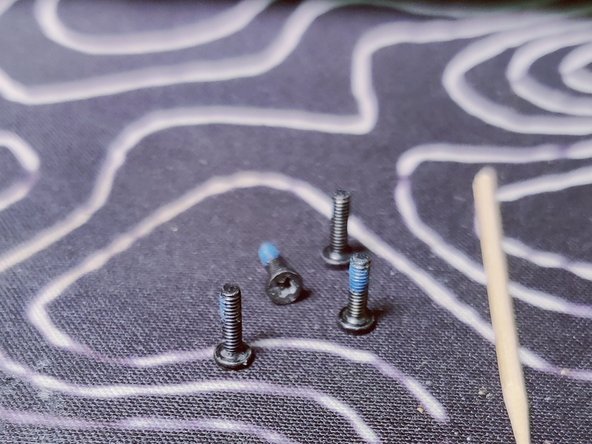
- look for the screws that have DOOR written near them
- start unscrewing
- there should be 4 of them
- next press the plastic near the DOOR RELEASE text while making sure there`s nothing preventing the rear door from opening
- lift hdd with any screwdriver
- remove the cable
- add the new HDD/SSD
- and now follow the steps backwards to reassemble