How to Fix Analog Drift for the SCUF IMPACT
ID: 145537
Description: SCUF IMPACT - PLAYSTATION 4 CONTROLLERS The...
Steps:
- Unlock the L3 or R3 ring by turning it counter clockwise.
- Remove the L3 or R3 ring.
- Pull the analog gently in order to get it out.
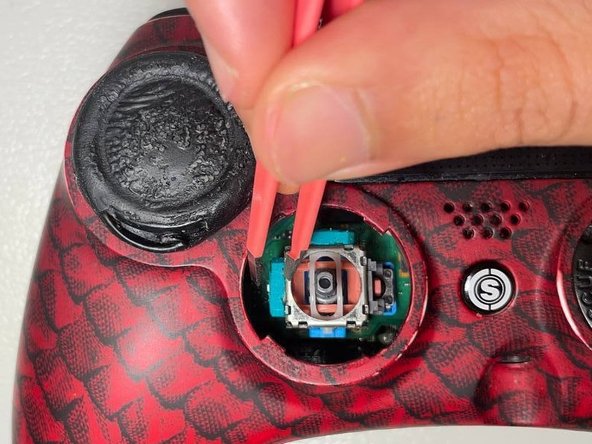
- Use a tweezer tip to gently open the green box.
- Locate the sensor in the green box and take it out slowly.
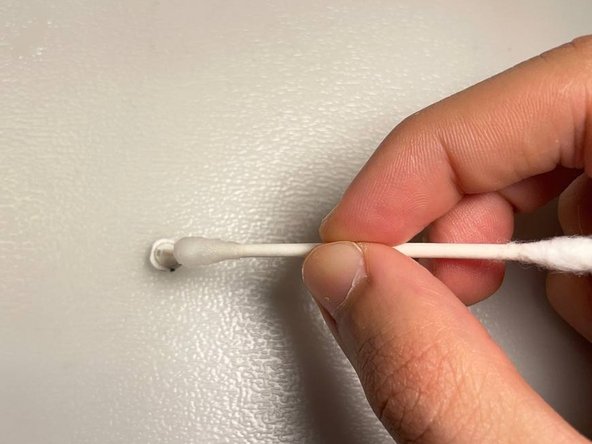
- Dip the q-tip in rubbing alcohol to clean the sensor and inside the green box for any dust or dirt.
- Place the sensor back in the box. To reassemble your controller, follow the instructions 1-4 in reverse order.