HP 15-af123cl Fan Replacement
ID: 146705
Description: This guide shows you how to replace the fan in...
Steps:
- Push the slider with a lock symbol to the right to unlock the battery.
- Push the slider with a battery symbol to the left to push the battery out slightly.
- Pull the battery out fully now that it is released.
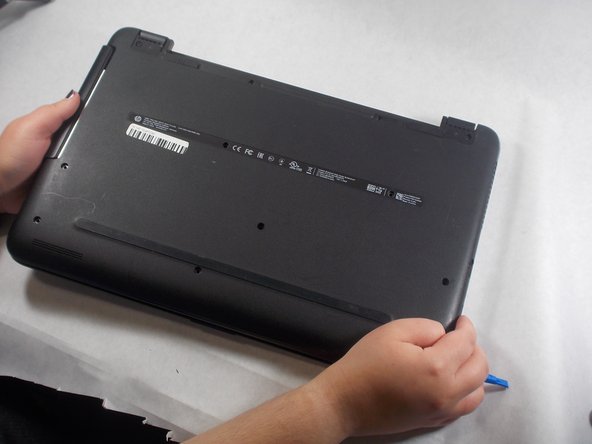
- Remove the twelve screws from the bottom of the laptop using a Phillips #00 screwdriver.
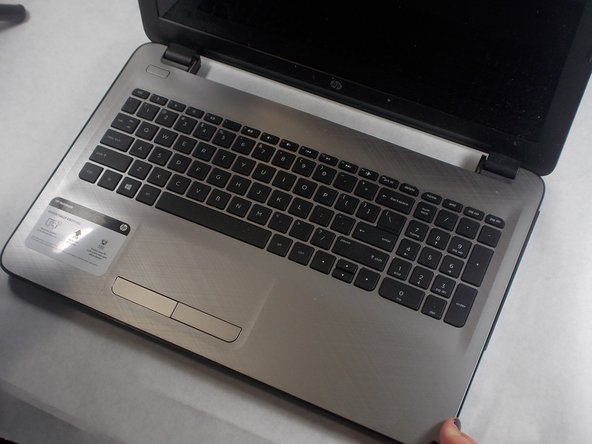
- Turn the laptop over and open the lid.
- Use an opening tool to pry the bottom cover from the body of the laptop.
- Close and turn over the laptop again.
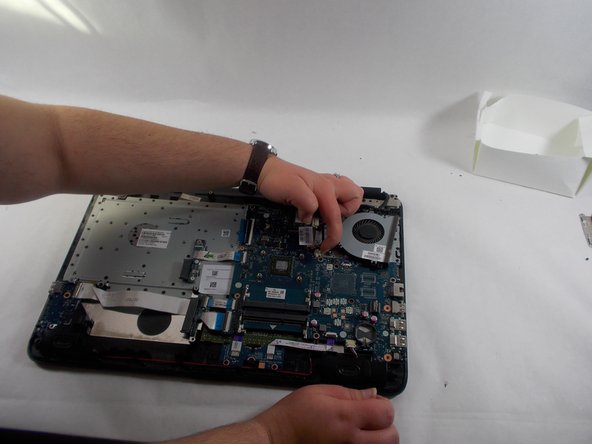
- Pull the back cover up to remove it from the laptop.
- Remove all seven screws from the fan and heat sink using a Phillips #000 screwdriver.
- Remove the heat sink from the laptop.
- Disconnect the fan cables from the motherboard using an opening tool.
- Remove the fan from the laptop.