Google Pixel 5a Midframe Replacement
ID: 149033
Description: Use this guide to remove and replace the...
Steps:
- Shut down the device before starting screen removal.
- Insert a paper clip or SIM card removal tool into the SIM card tray hole.
- Apply a small amount of pressure until the tray pops out.
- Slide the SIM card tray out of your Google Pixel 5a.
- Pry the screen off of your device using an opening tool around all four sides.
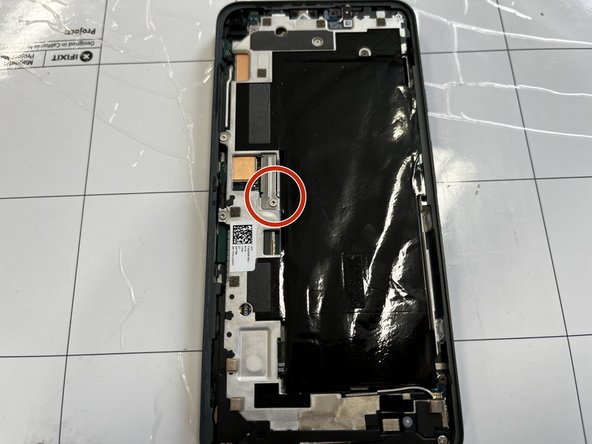
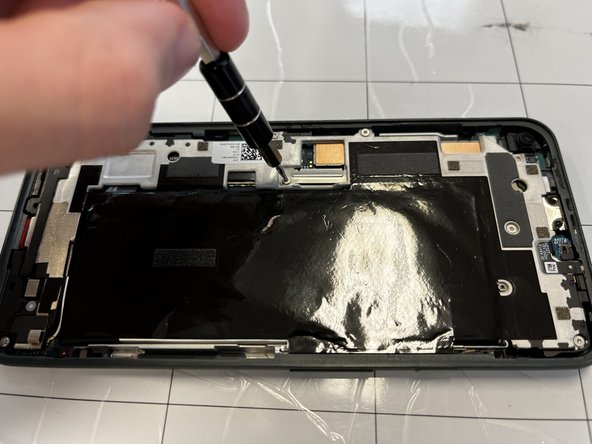
- Remove the 4 mm screw using a T4 Torx screwdriver.
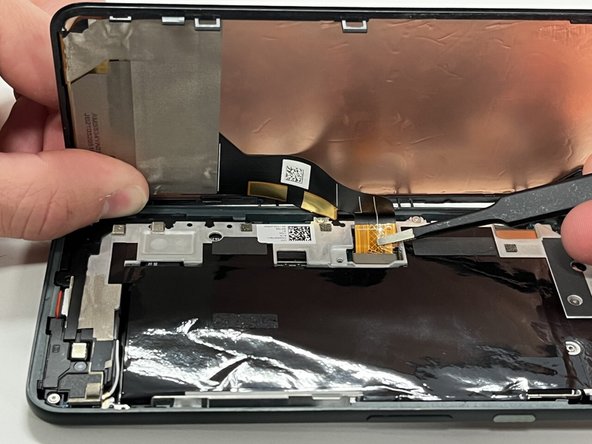
- Disconnect the ribbon cable holding the screen in place.
- Remove the screen from the rest of the phone.
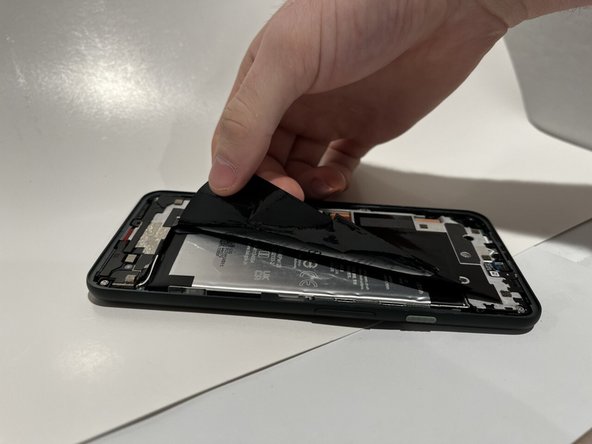
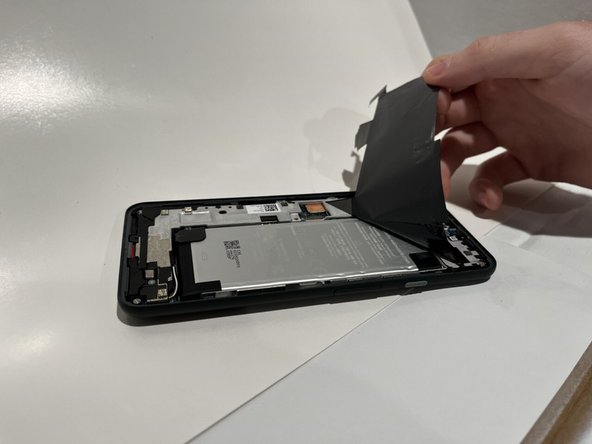
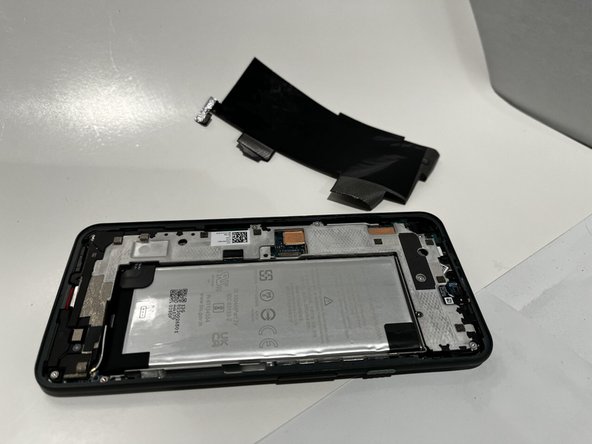
- Peel back the black plastic film covering the battery.
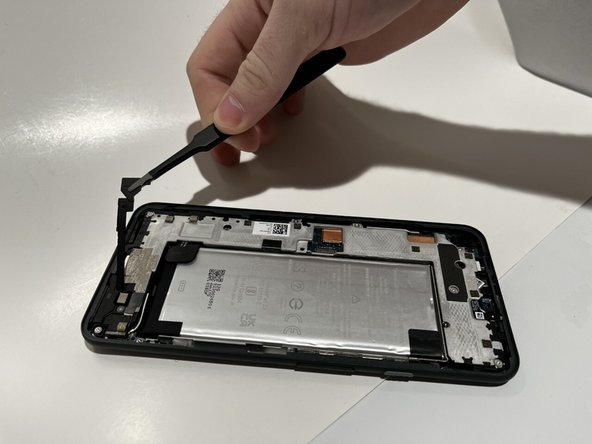
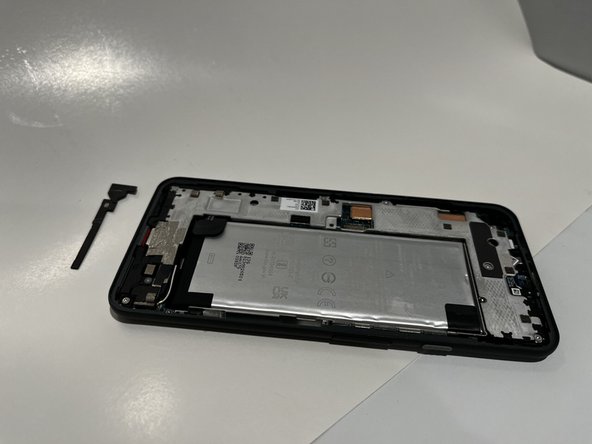
- Use a pair of tweezers to remove the black plastic cover.
- Use a spudger to peel back the protective tape covering two screws.
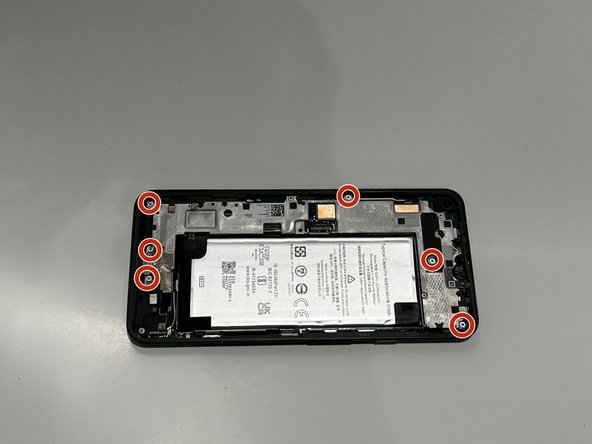
- Using a T4 screwdriver, remove the six 4 mm screws.
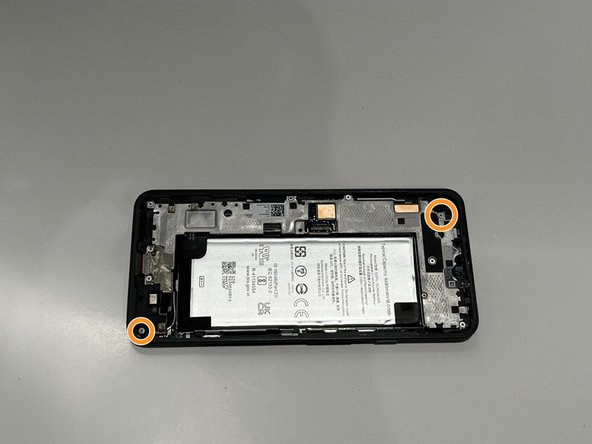
- Using a T4 screwdriver, remove the two 3 mm screws.
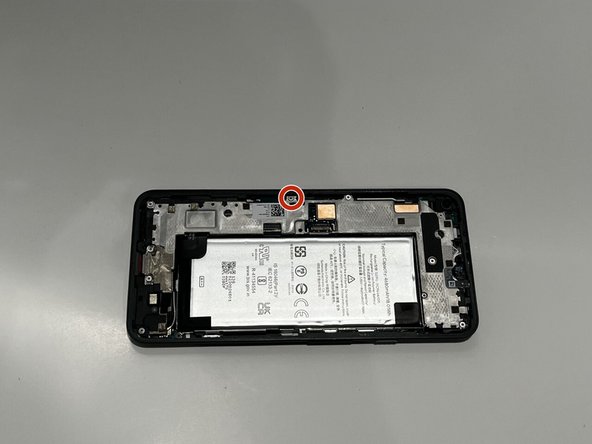
- Using a T4 screwdriver, remove the 5 mm screw.
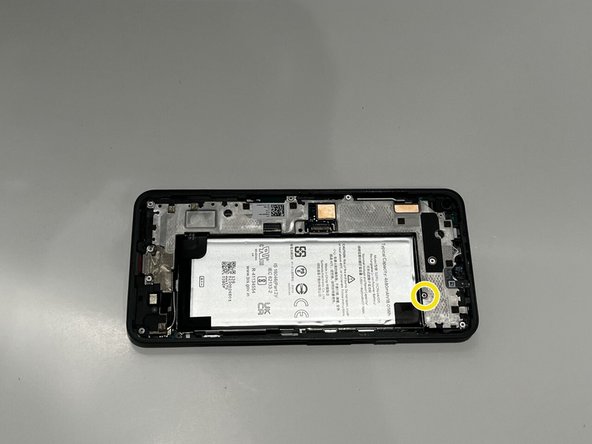
- Using a T4 screwdriver, remove the single 1 mm screw.
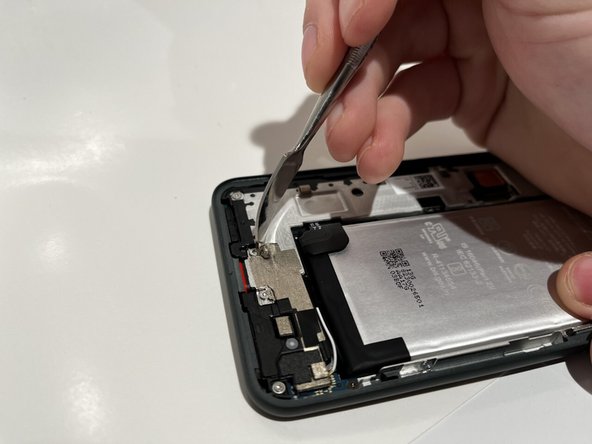
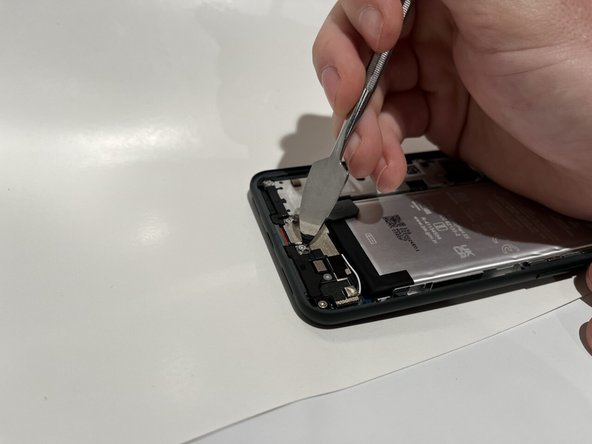
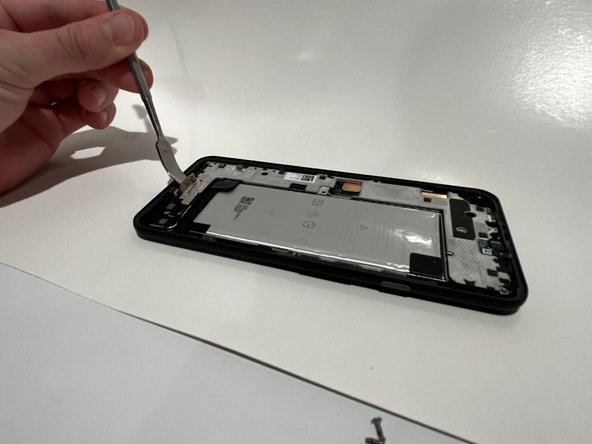
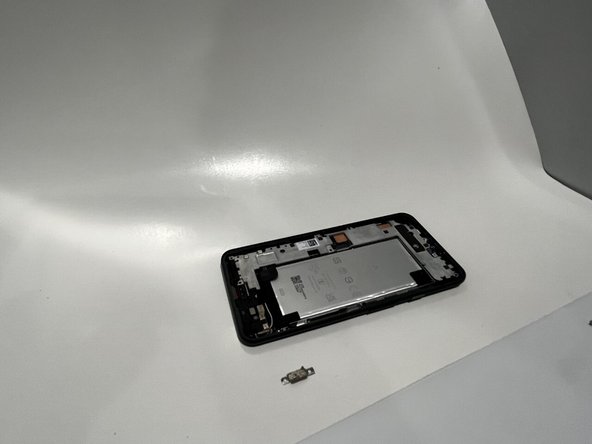
- Place a spudger under the metal bracket that covers the charging port.
- Pry the metal bracket upwards, and remove it from the phone.
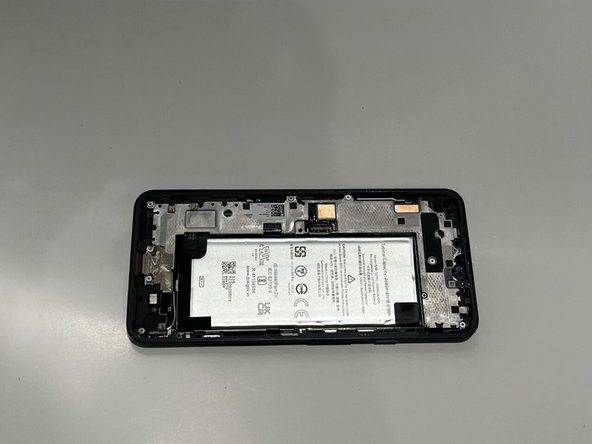
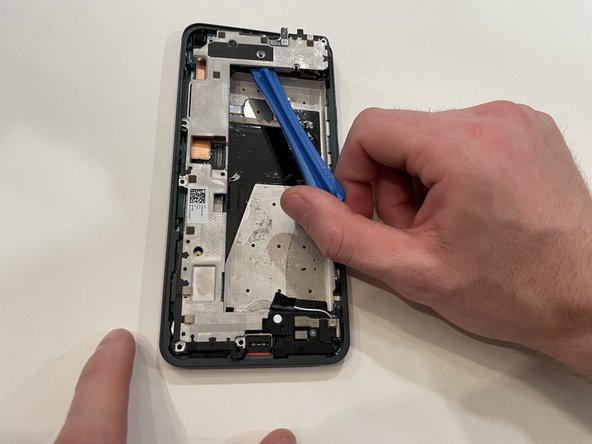
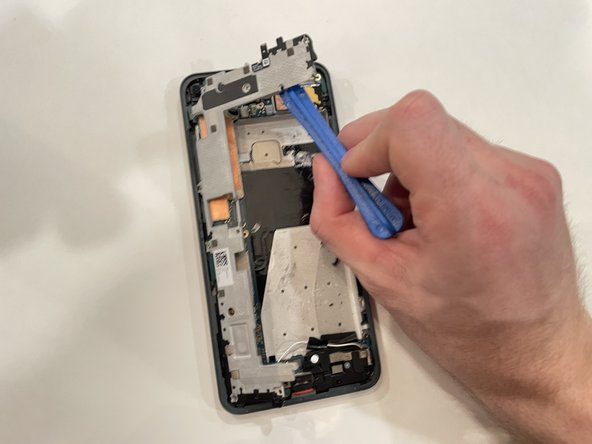
- Place an opening tool under the midframe.
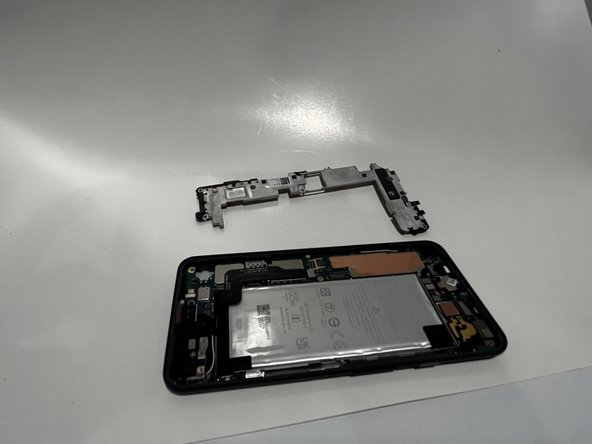
- Pry the midframe up, and remove it from the phone.