Lenovo ThinkPad T495s Battery Replacement
ID: 149080
Description: If you need to replace the battery of your...
Steps:
- Do not begin until the laptop is unplugged and completely powered off.
- Flip the laptop over to reveal the back panel of the laptop.
- Loosen the five 4.0 mm captive screws with a Phillips #1 screwdriver.
- The screws will stay attached to the back cover as you lift it off.
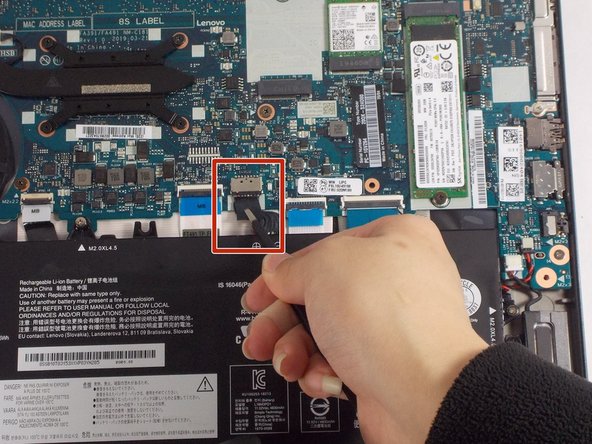
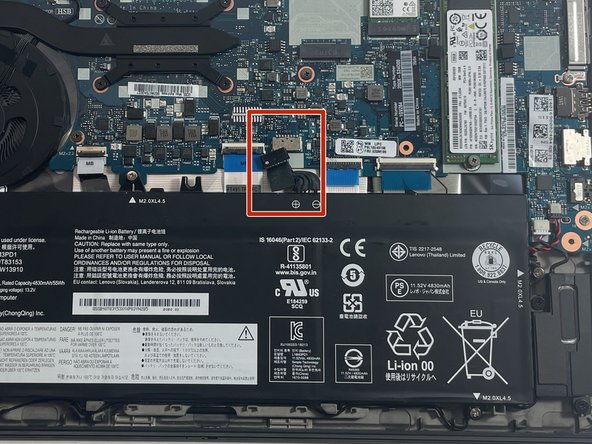
- Use tweezers to unplug the battery connection from the motherboard.
- Remove the five 4.5 mm screws with a Phillips #1 screwdriver.
- There are plastic tabs at the bottom of the battery, so pull it slightly forward with your hands, toward the motherboard, before lifting straight up.