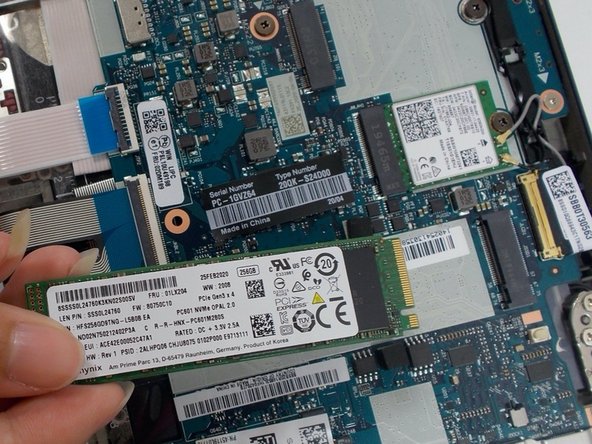
Lenovo ThinkPad T495s SSD Replacement
ID: 149167
Description: If you need to replace the Solid State Drive...
Steps:
- Do not begin until the laptop is unplugged and completely powered off.
- Flip the laptop over to reveal the back panel of the laptop.
- Loosen the five 4.0 mm captive screws with a Phillips #1 screwdriver.
- The screws will stay attached to the back cover as you lift it off.
- Use a Phillips #1 screwdriver to unscrew one 2.2 mm screw at the bottom of the SSD.
- Use your hands to pull the SSD toward yourself, removing the SSD.