iRobot Roomba 890 IR Sensor Replacement
ID: 149687
Description: This guide addresses the removal of a...
Steps:
- Use a Phillips #2 screwdriver to remove the two 11 mm screws.
- Remove the battery cover.
- Pull directly up on the grey pull-tabs to remove the battery.
- Use a Phillips #2 screwdriver to remove the one 7.7 mm screw.
- Remove the yellow brush head.
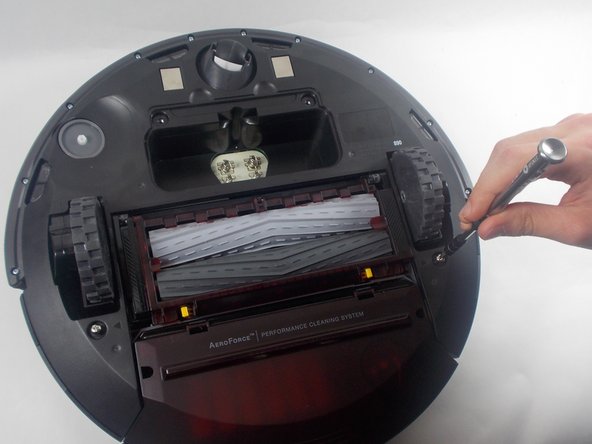
- Use a Phillips #2 screwdriver to unscrew the two 11 mm screws.
- Lift the baseplate up and off.
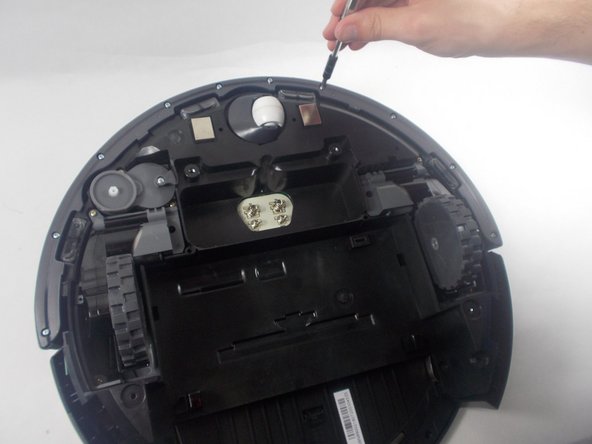
- Use a Phillips #1 screwdriver to remove the ten 9.3 mm screws.
- Remove the bumper retainer ring.
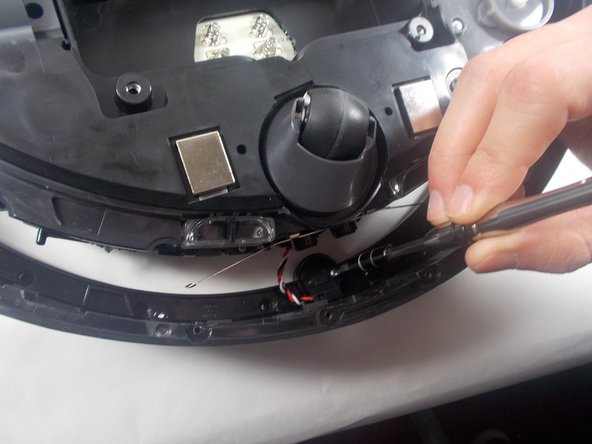
- Use a Phillips #2 screwdriver to remove the two 7.5 mm screws holding the IR sensor in place.
- Use an iFixit opening tool to remove the outer plastic covering from the top of the Roomba.
- Use a Phillips #1 screwdriver to remove the two 9.5 mm handlebar screws; then remove the handle.
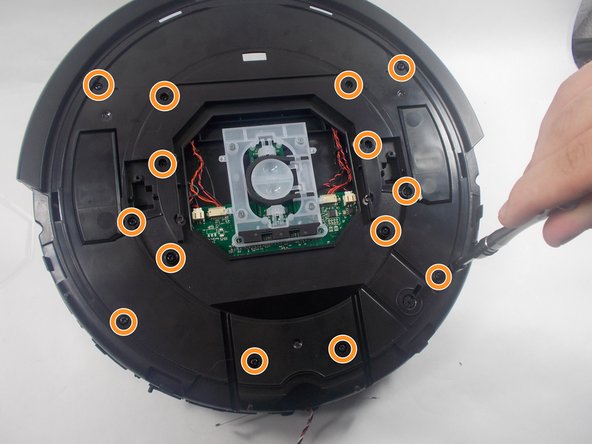
- Use a Phillips #1 screwdriver to remove the fourteen 9.5 mm top plate screws.
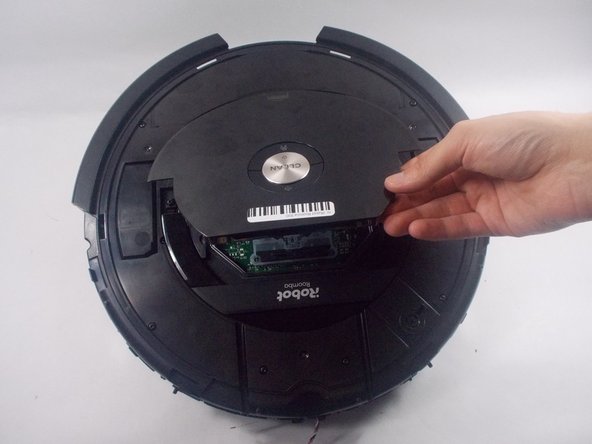
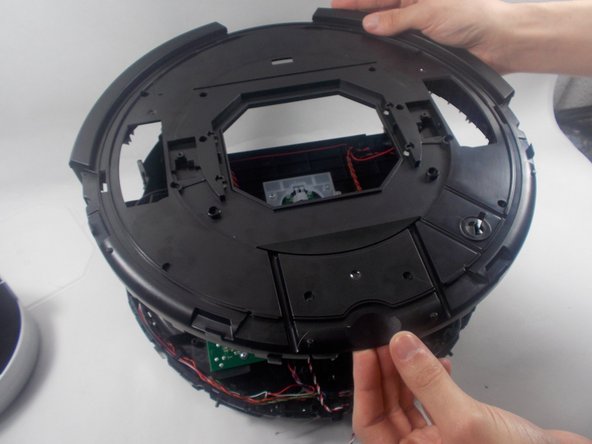
- Lift off the top plate.
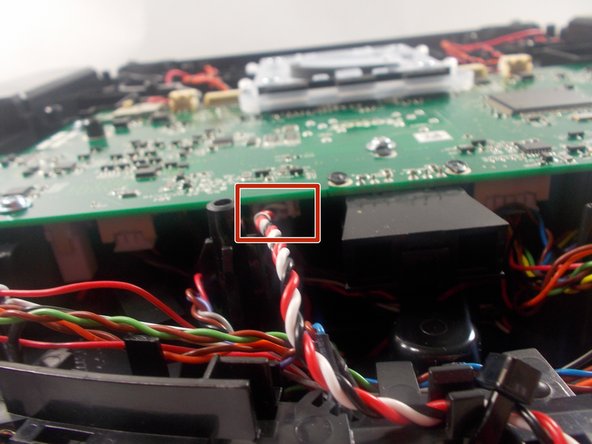
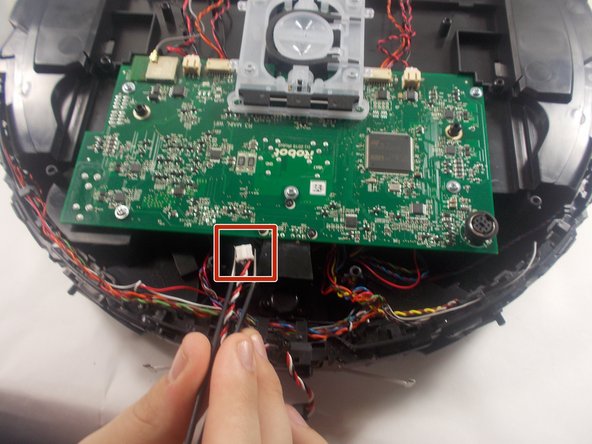
- Use a pair of angled tweezers to firmly grip the IR sensor plug, and pull it directly backwards to release it from the motherboard.