Motorola Hyper Android Phone Charging port Replacement
ID: 151323
Description:
Steps:
- Charging port replacement
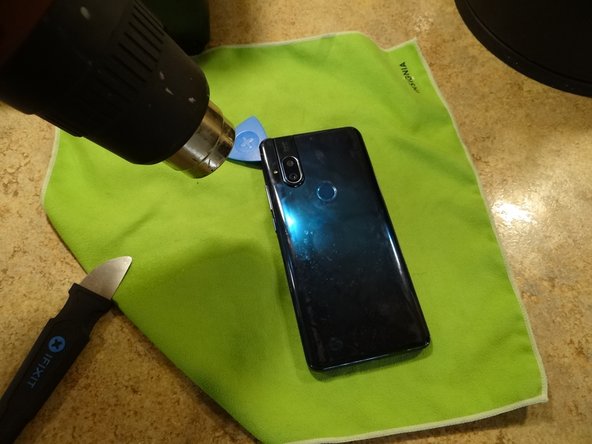
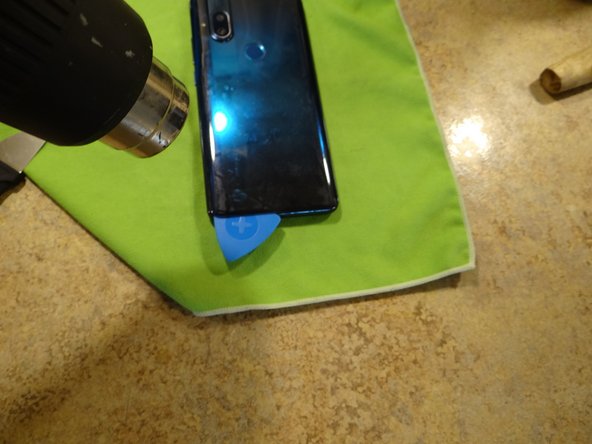
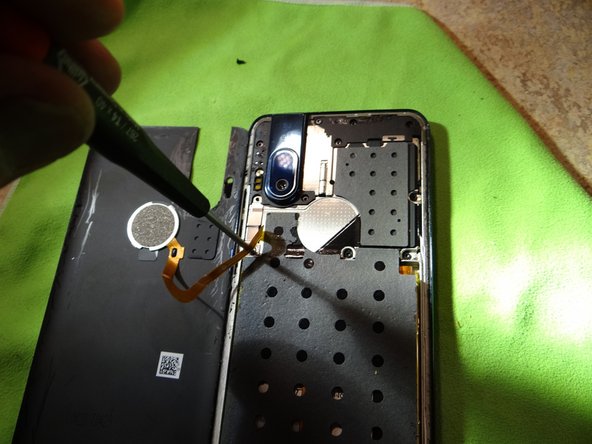
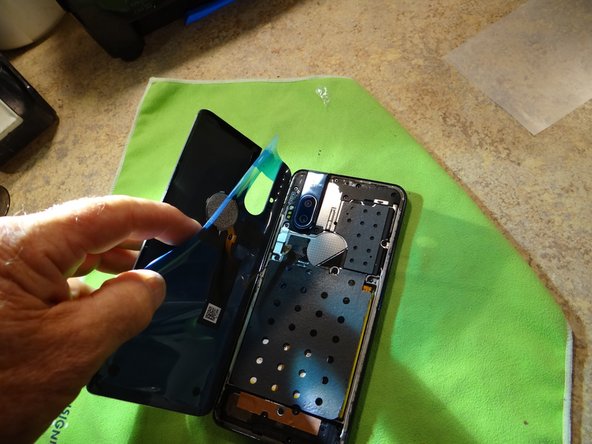
- Use a heat gun or hair dryer to soften the adhesive on the rear cover
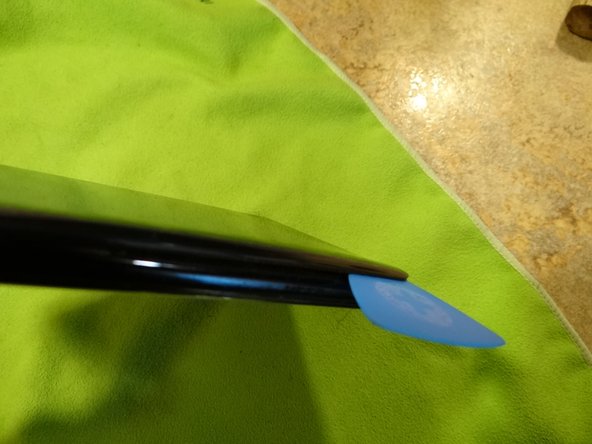
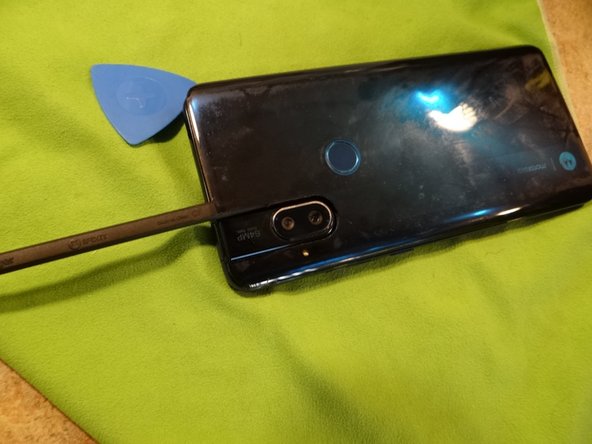
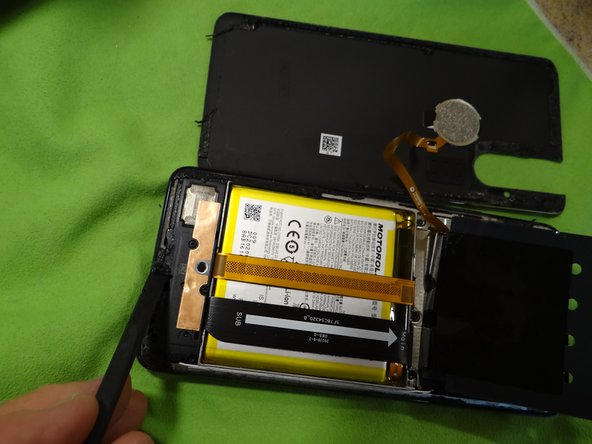
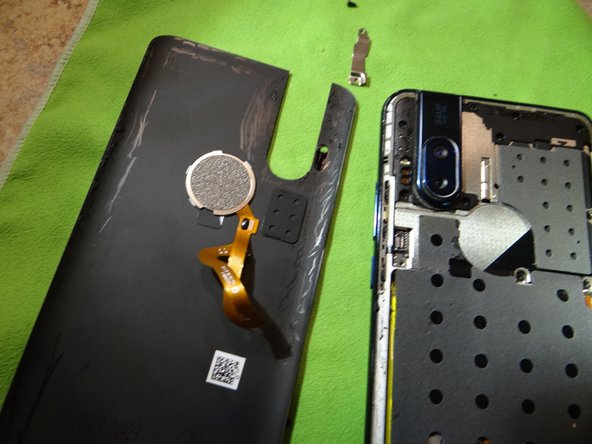
- Start at the camera and go around the edge with an Opening Pick. Pry the last bit around the camera.
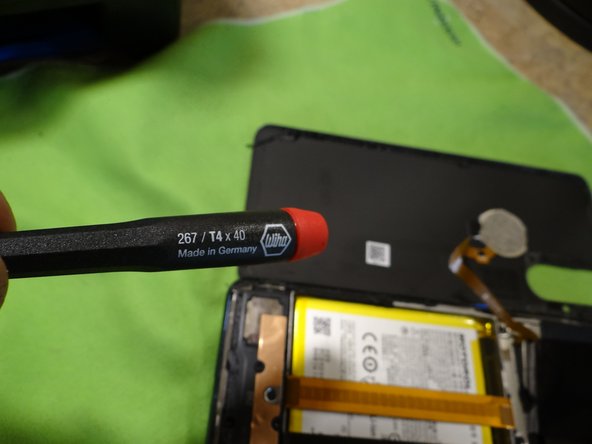
- Open case from the on button side face down. You will need a T4 bit driver.
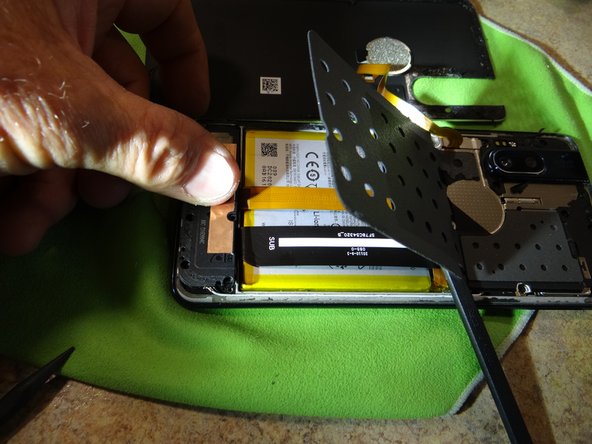
- Remove 6 T4 screws. Remove mini fan vent.
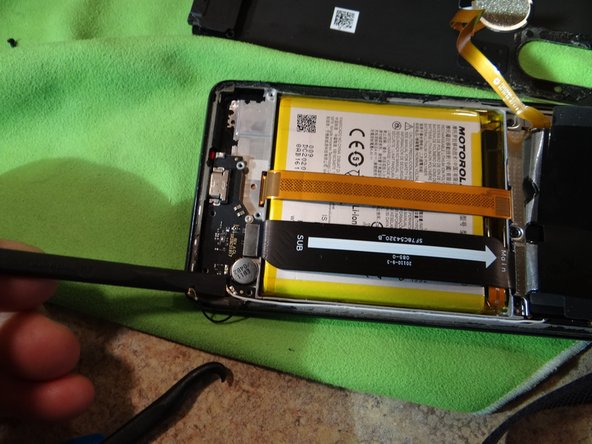
- Pry off the black and white wires with a pry tool. Remove Philips screw.
- Remove and replace the charge port with new one.
- Install items in reverse order
- Clean all the gasket off.
- There is only room for one layer, for a smooth cover fit.
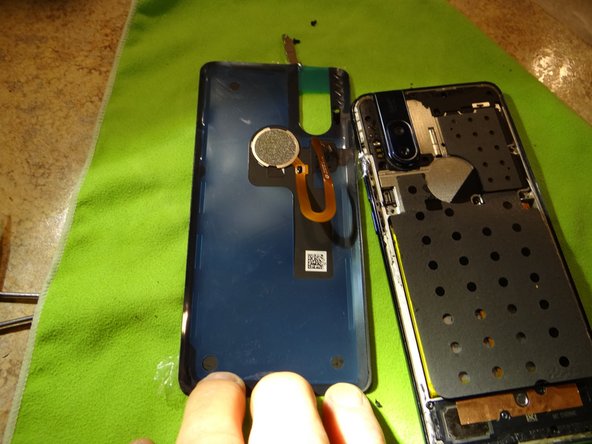
- Remove finger print reader cable to install new cover gasket. surface must be clean so the cover sits tight with no gaps.
- Make sure the gasket is firmly in place.
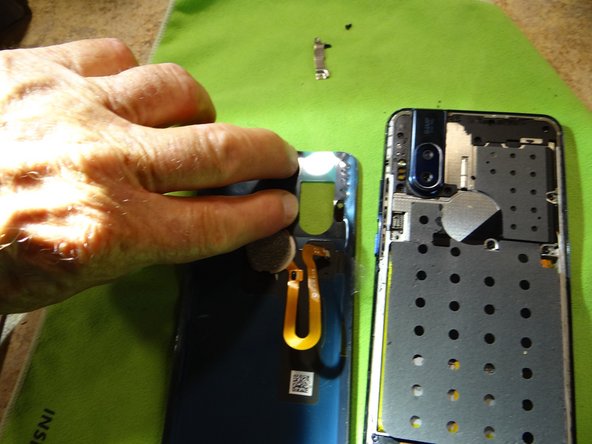
- Install FPR cable.
- Install the keep.
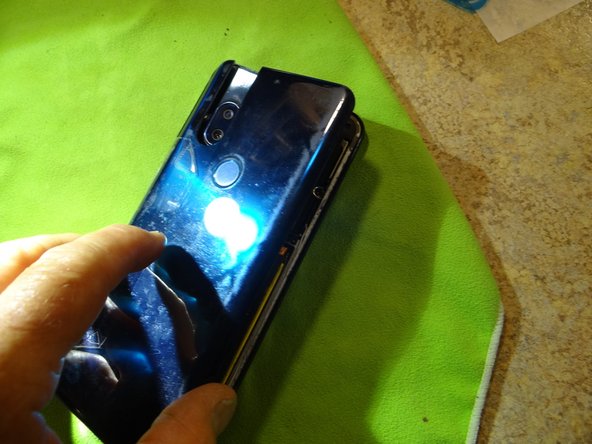
- Put tape on the cover to align the edges.
- Tape helps align cover for a smooth install.
- Press the cover on to seal.