Apple Magic Keyboard Disassembly
ID: 151378
Description:
Steps:
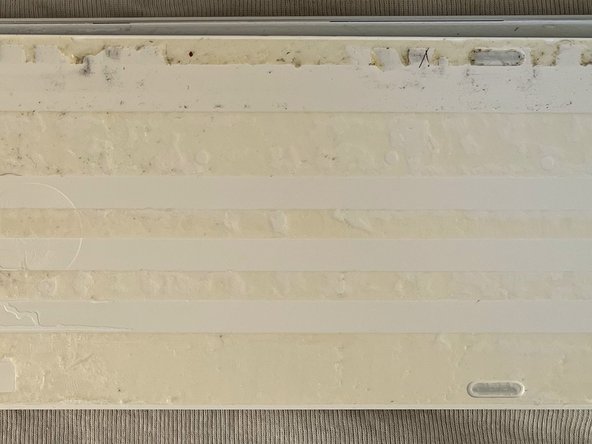
- For opening the Magic Keyboard with with Numeric Keypad you need to remove the back..
- For opening I recommend to use a sharp knife to cut the glue. I could cut less than a mm at once, so you have to do it many times and be careful!
- Please note that the plastic is not acid resistant.. so don't try to have a good idea like me to use Aceton... :/
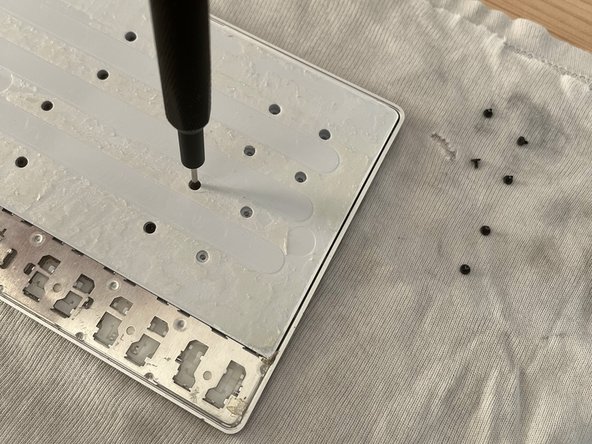
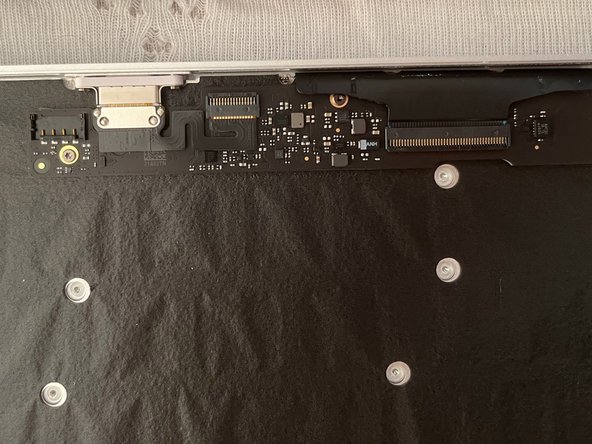
- After that you will find some screws.. 33 :)
- They are all identical, so do not worry about mixing them up.
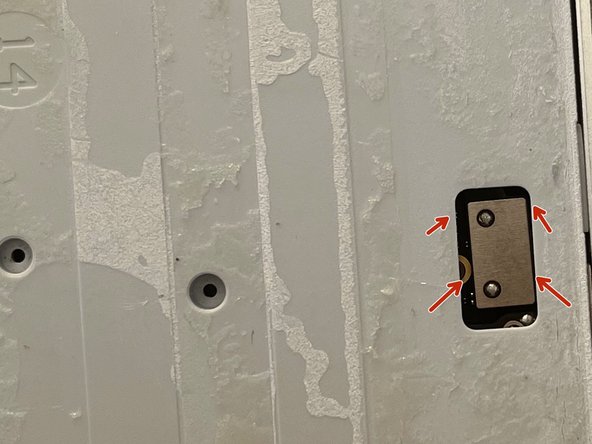
- Finally you can solvate it
- But do not remove it, because the battery is still connected!
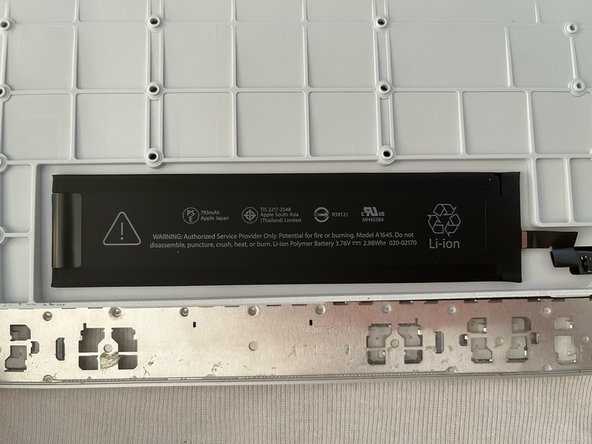
- Oh what for a sweet battery..
- 793mAh.. 3.76V Model: A1645
- So.. Apple makes it very easy to swap the battery buuut.. it's honestly not such a great deal :D
- Nice lightning connector.. but it's not that spectacular..
- This plastic film has not really a function.. probably Apple engineers found it funny to ad it..
- Here we are at the end..
- I do understand now why this keyboard has a high price.. I never saw in a keyboard 42 screws!! (Update: I found one more: 43 in total)
- Honestly.. I was only curious to see what's inside.. I mean that's so Apple...