Opening Procedure
ID: 152657
Description: Use this guide to open your Apple Watch Series...
Steps:
- Before starting repairs, take your watch off the charger and power it down.
- If your touchscreen is broken and you can't power off the watch, use this alternate method to power it down.
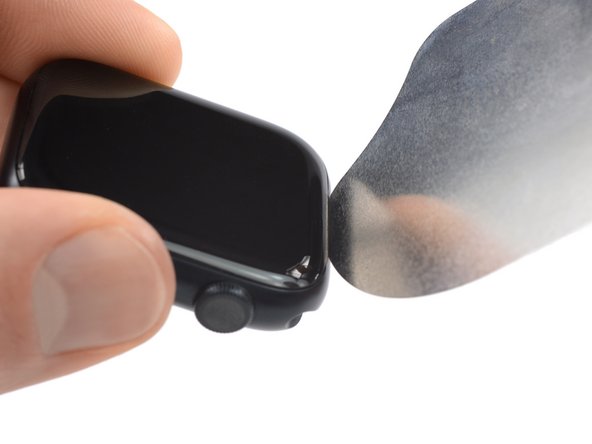
- Because the gap between the screen and watch body is so thin, an iFlex is needed to separate the two.
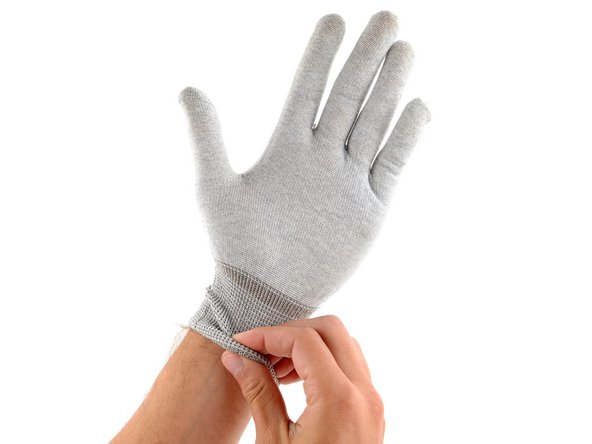
- Protect your fingers by keeping them completely clear of the iFlex edge. If in doubt, protect your free hand with a heavy glove, such as a leather shop glove or gardening glove.
- Be careful not to apply too much pressure, as this might cause the iFlex to slip and cut you, or damage the watch.
- Wear eye protection. If the opening procedure is performed incorrectly or with too much pressure, the glass could crack, sending small glass shards flying.
- Attach or remove the watch band as needed to provide more control as you make repairs.
- Prepare an iOpener and apply it to the screen for at least two minutes to loosen the adhesive underneath.
- A hair dryer, heat gun, or hot plate may also be used, but be careful not to overheat the watch—the display and internal battery are both susceptible to heat damage.
- You may need to reheat the iOpener and repeat this procedure several times until the display adhesive softens.
- Don't grip the iFlex or similar metal tools by the edges—they're very sharp. Consider wearing gloves to protect your hands.
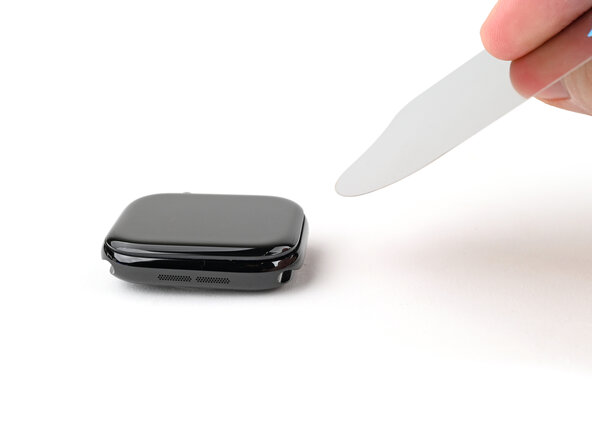
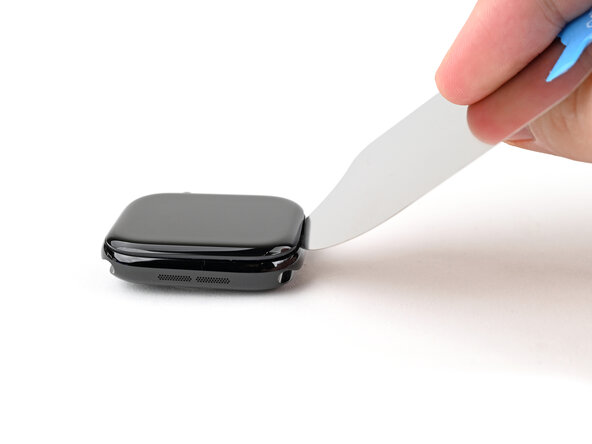
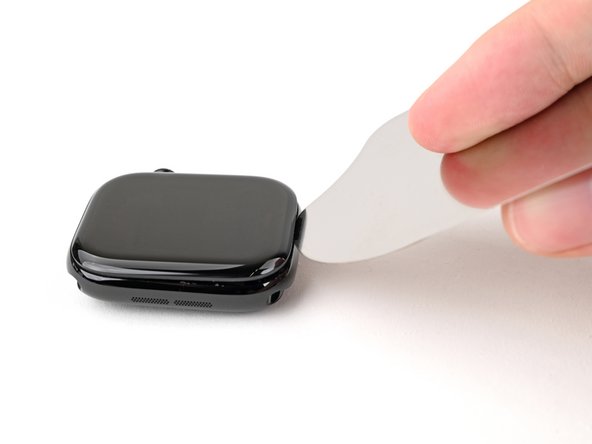
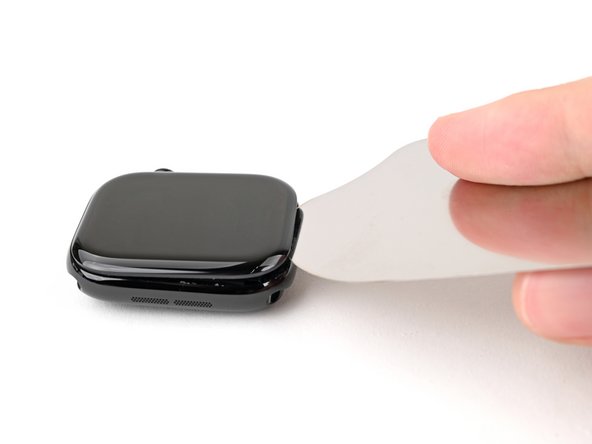
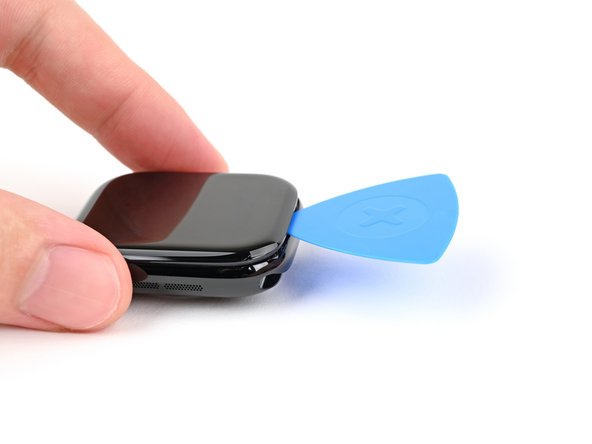
- Insert the iFlex at a downward angle between the bottom edge of the screen and frame.
- The Apple Watch Series 7 display is equipped with a plastic bezel on its rear side. If you want to reuse your display, avoid using too much pressure with the iFlex or you may separate the bezel from the screen.
- Prying up the screen may take multiple attempts. If you're having trouble, apply more heat and try again.
- With one hand, push down firmly on the watch's frame to secure it in place.
- With your free hand, hold the iFlex and push the edges up to make it more rigid.
- The iFlex should be slightly "U" shaped.
- Pry up the screen enough for the iFlex to lay flat on its own.
- The iFlex doesn't need to be inserted far, as it can easily damage the screen cables near the bottom right corner of the watch.
- Leave the iFlex inserted under the screen.
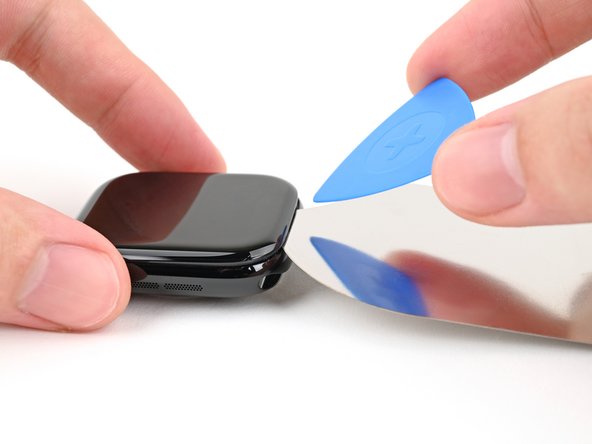
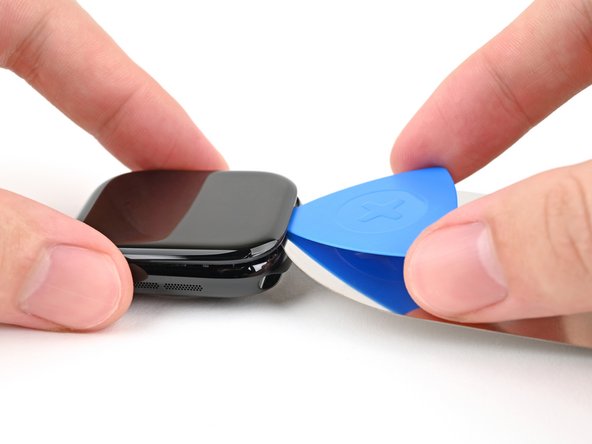
- Do not insert your opening pick more than 3 mm under the screen when separating the adhesive, as you risk damaging your watches internals.
- Keep the iFlex flat to maintain a gap between the screen and frame while inserting an opening pick.
- Insert an opening pick between the screen and iFlex.
- Remove the iFlex.
- Slide the opening pick around the bottom left corner and up the left edge.
- Slide the opening pick around the corner and along the long edge on the opposite side of the watch crown to slice the display adhesive.
- Slide the opening pick around the corner to slice the remaining adhesive on the short edge of the watch next to the watch crown.
- Don't try to remove the display. It is still connected to the watch assembly.
- Be careful not to strain the display cables when you fold the display to the side.
- Lift the display and carefully pull it towards the watch crown.
- Swing the display open to an upward position.