Womier K66 Mechanical Keyboard Switch Replacement
ID: 154845
Description: If your Womier K66 mechanical keyboard has any...
Steps:
- Remove the keycaps from the keyboard using the keycap remover.
- Flip the keyboard over so the backside is facing up.
- Use the Phillips #0 screwdriver to remove the fourteen 1.52 mm screws.
- Remove the back plate of the keyboard.
- If you're unfamiliar with solder or need a refresher, review the How to Solder and Desolder guide.
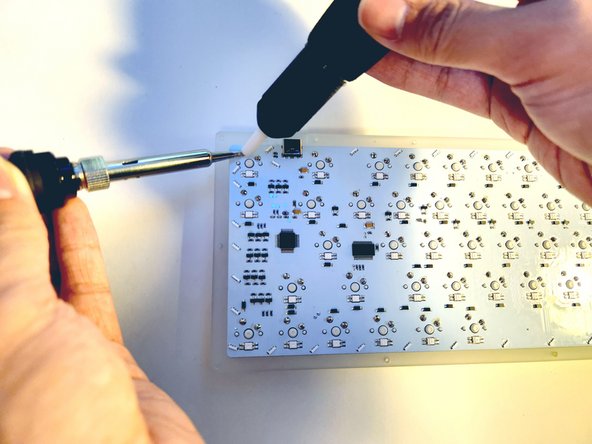
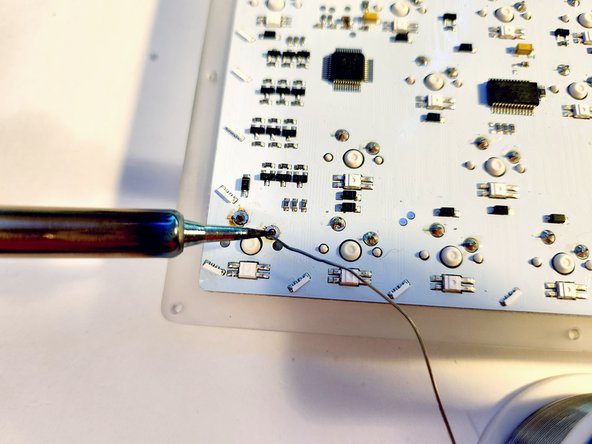
- Set your soldering iron to 400 °C.
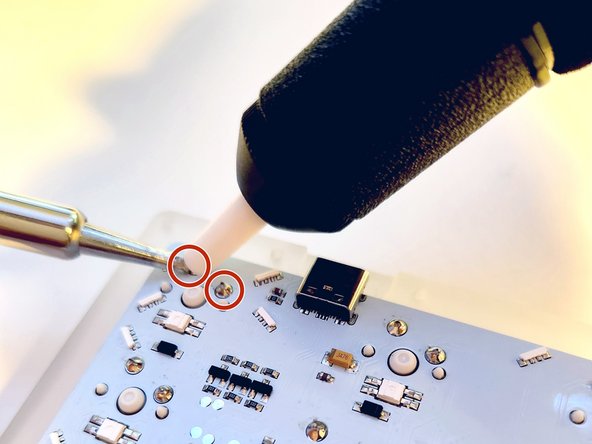
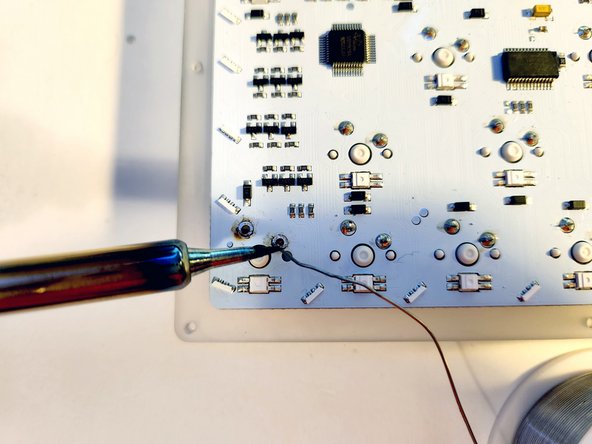
- Apply the soldering iron to the solder joints and remove the solder with the desoldering pump.
- Be careful when soldering as the iron is very hot.
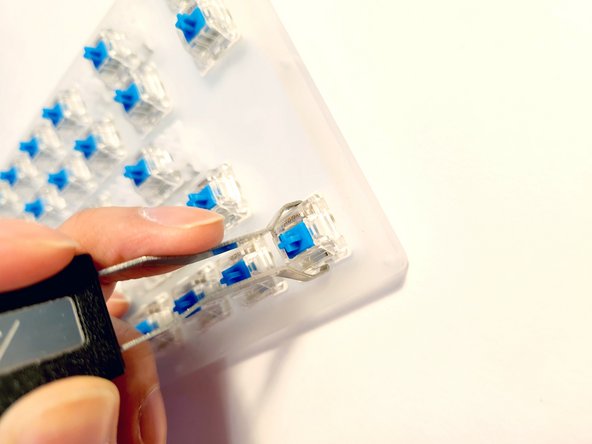
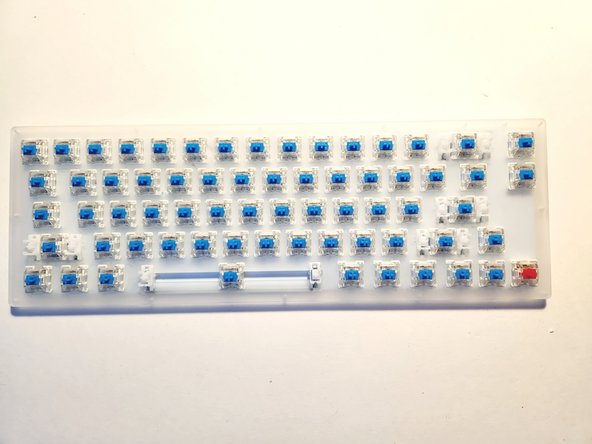
- Remove the key switch from the board using the key switch puller.
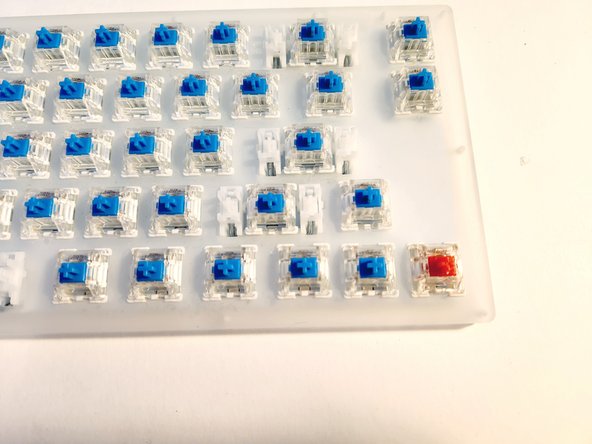
- Place your new switch onto the board.
- In this case we used a Gateron Linear switch but this could be any variety of switches.
- Apply new solder to the soldering joints of the replacement switch.