Nintendo NES Advantage Joystick Panel Replacement
ID: 155005
Description: If your game is not responding to the joystick...
Steps:
- Remove the four sticky pads from the bottom of the device.
- If the pads are stuck, use a spudger to remove them.
- Remove the six 8 mm screws from the bottom of the device with a Phillips #0 screwdriver.
- Use your hands to pull the back panel away from the controller.
- Remove the four 12 mm screws from the small square panel on the right with a Phillips #0 screwdriver.
- While removing the last (fourth) screw, apply downward pressure on the panel. This will make it easier to remove the last screw because of the joystick spring on the other side of this panel.
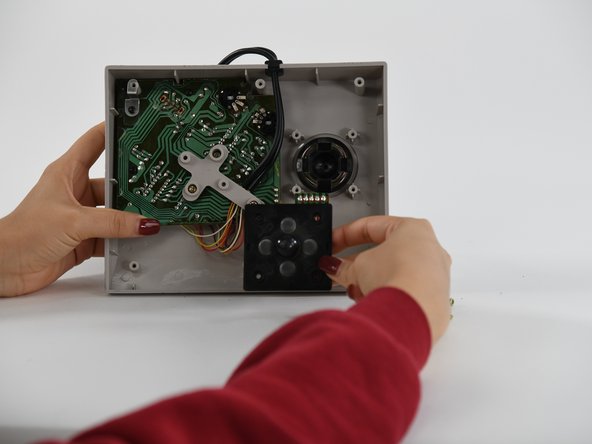
- Remove the small square panel.
- This panel is connected with wires to the main circuit board. To replace the joystick panel, you will need to desolder the wires. To learn more about soldering, refer to our How To Solder and Desolder Connections guide.