HP Star Wars Special Edition 15-an051dx Screen Replacement
ID: 155007
Description: Screen Replacement (1) If your device screen on...
Steps:
- Make sure the laptop is fully powered down and unplugged before you start.
- Remove the two circular plastic screw covers, then remove the two 4.5 mm screws in the using a Phillips #1 screwdriver.
- Insert a spudger in between the bezel and display, at the top.
- Move the tool around all sides of the bezel.
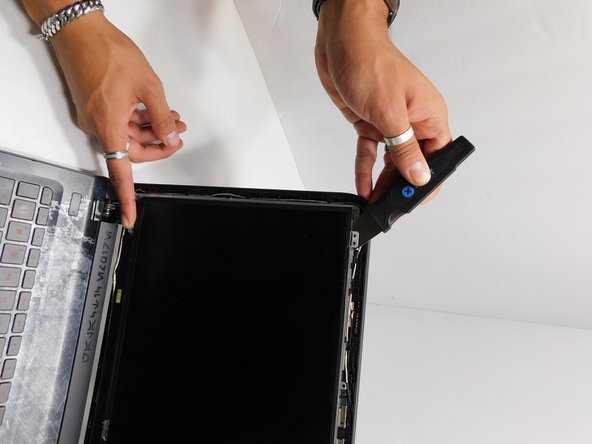
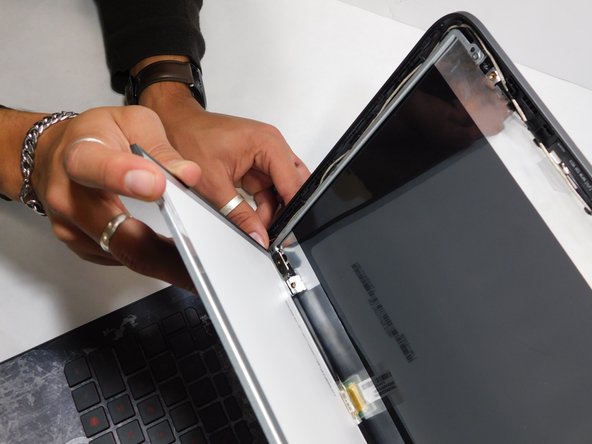
- With your finger, lift the inside part of the bezel.
- Pull the bezel back; it will pop-off.
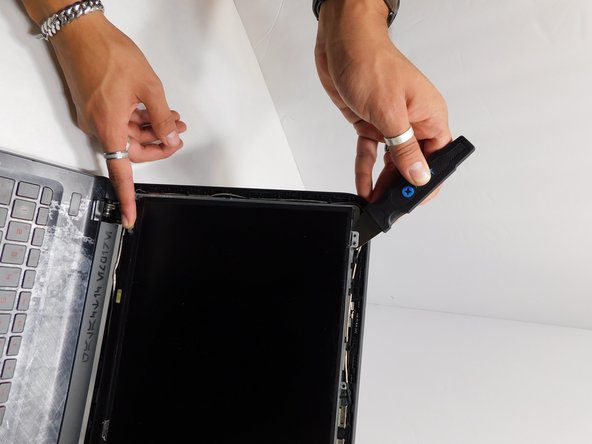
- Remove the four 2.75 mm screws using a Phillips #1 screwdriver
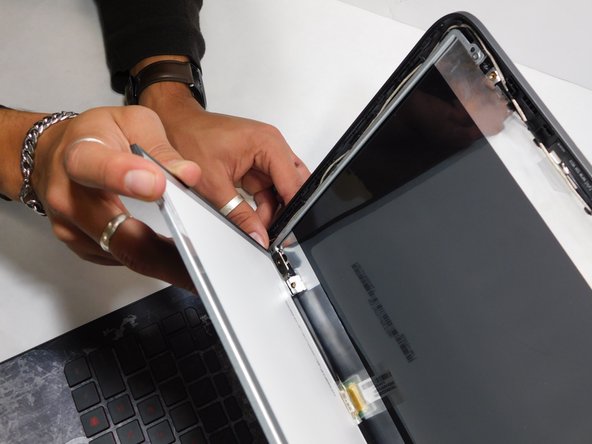
- Lift the screen using a spudger.
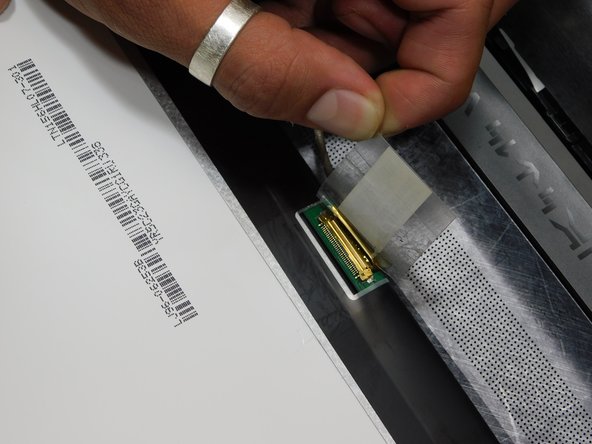
- Lifting the tape on the back of the screen and peel it off.
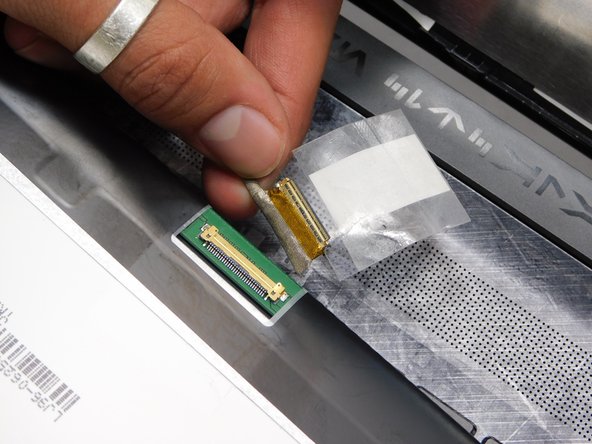
- Remove the connection.
- Connect the new screen using the 30 pin cable.
- Put the screen in place.