Google Pixel 3 Back Cover Adhesive Installation
ID: 155011
Description: This repair guide was authored by the iFixit...
Steps:
- Pick and scrape away the old adhesive from the frame.
- Use a spudger to scrape away any lingering adhesive.
- Don't use metal tools to scrape away adhesive as this will damage the frame.
- For best results, clean the area underneath the removed adhesive with 90% or greater isopropyl alcohol to prep the surface for the new adhesive.
- Repeat the previous step for the back cover adhesive.
- Don't use metal tools to scrape away adhesive as this will damage the back cover coating.
- Don't use isopropyl alcohol near the rear camera bracket as it will damage its adhesive and foam.
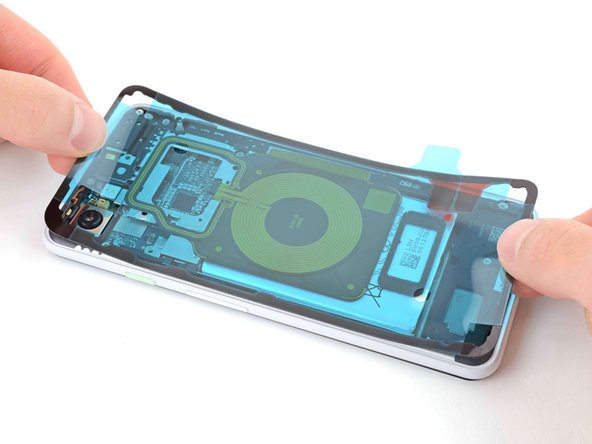
- Peel away the clear plastic lining to expose the frame side of the replacement adhesive.
- Be very careful during this step! The adhesive is very sticky and can't be repositioned once it sticks. Misaligned adhesive can lead to an improper seal.
- Lower the adhesive onto the frame.
- Use the rear camera and corners to properly align the adhesive.
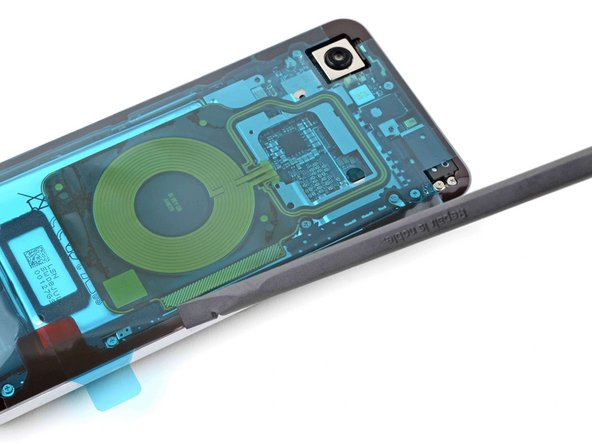
- Use the flat end of a spudger or your fingernail to press down on the adhesive.
- Slide along the perimeter to secure the adhesive to the frame.
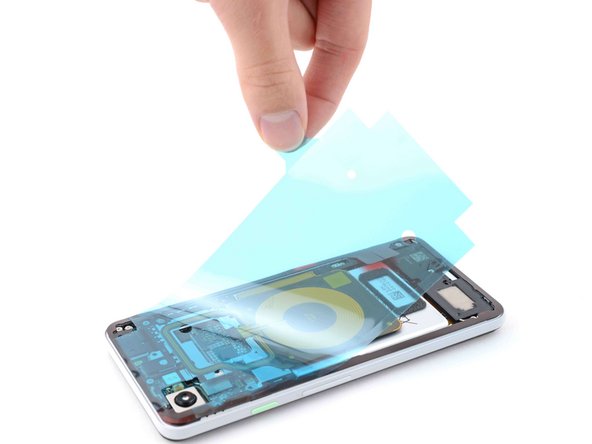
- Peel away the blue outer plastic lining on the back cover side of the adhesive.
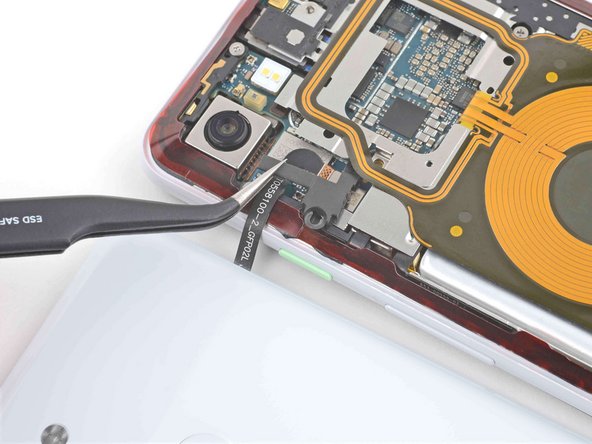
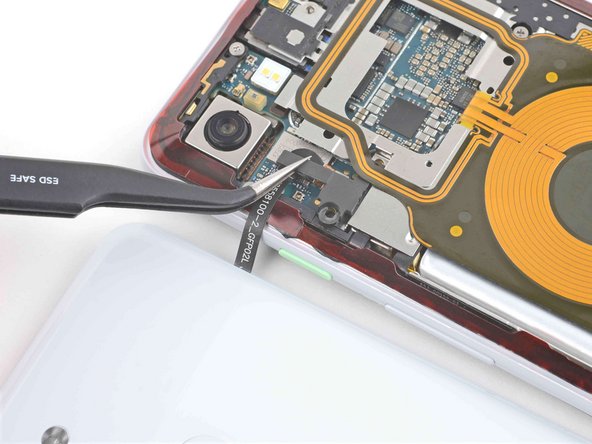
- Use tweezers or your fingers to position the fingerprint sensor cable over its connector on the motherboard.
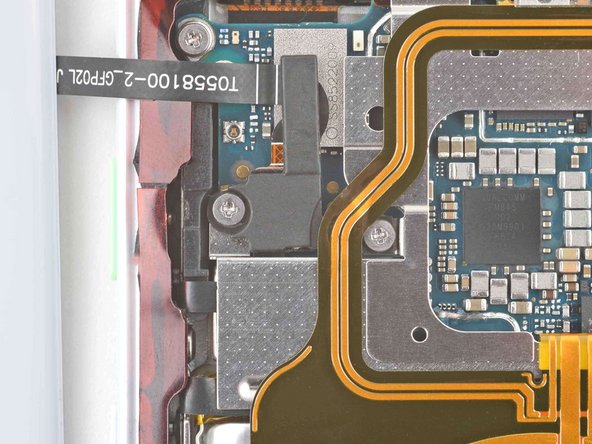
- Use the flat end of a spudger or your finger to press down on the connector to secure it to the motherboard.
- Use tweezers or your fingers to place the bracket over the fingerprint sensor cable.
- Use a Phillips PH00 screwdriver to install the two 4.1 mm screws securing the bracket to the frame.
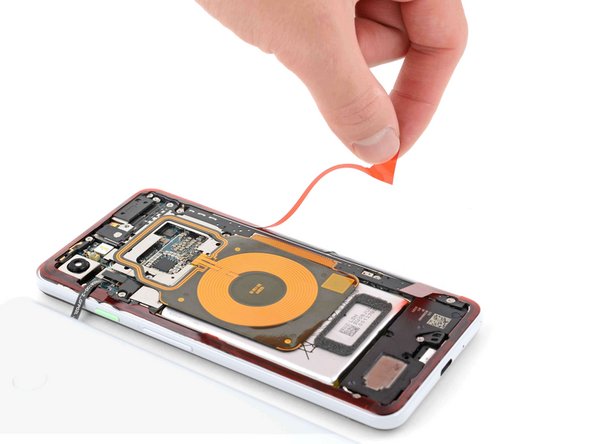
- Peel away the red plastic lining to expose the back cover side of the adhesive.
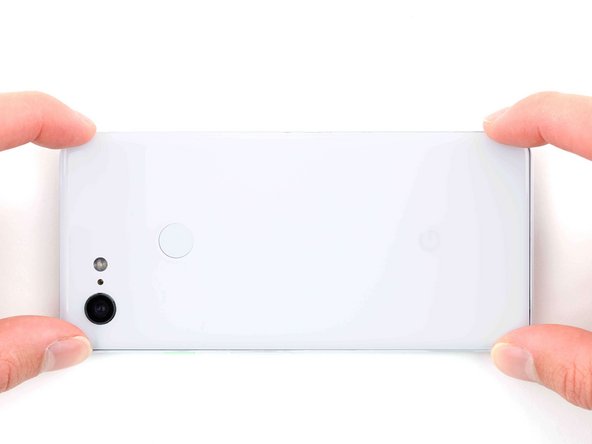
- Lower the back cover onto the frame.
- Press down on all edges of the back cover to secure it to the frame.
- To help the adhesive bond more securely, heat the perimeter of the back cover and then place the phone face-down under a heavy stack of books for 30 minutes.