Magsafe 1 powered By USB C Universal Adapter Method
ID: 157593
Description: Using an old MacBook Pro 2012 Unibody as my...
Steps:
- Connect you high powered USB C male power supply to your USB C Magsafe Connector.
- Plug in the power supply to the outlet. Then plug the Magsafe to the Macbook. The order here may be important.
- As usual, the light is green and then turns to orange if charging is required. If not it remains green.
- You can observe some colour changes in the light when charging. Every time you will plug in the Magsafe this can happen 2-5 times and last from 2-3 seconds. I have observed that if you let it be, the orange light will remain after a few flickers.
- I have also noticed that sometimes the charging light will only stay on for a few seconds until it turns off. I still have not discovered why sometimes it works and other times it does not.
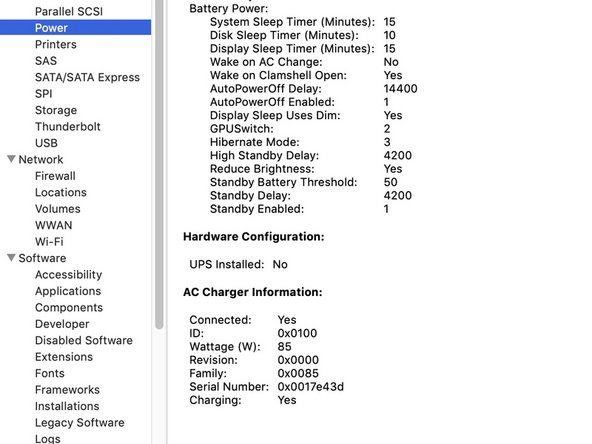
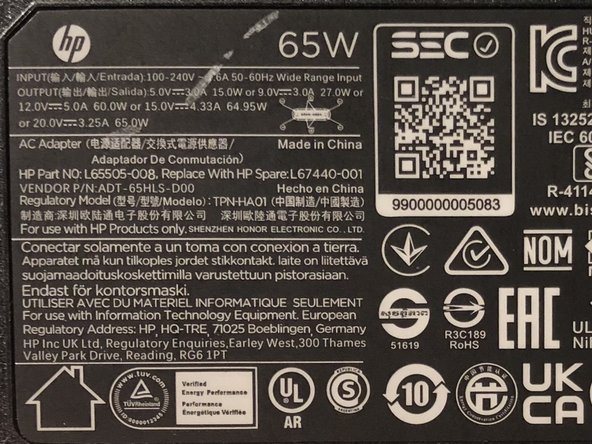
- Although this is a 65W power supply my MacBook Pro' System Report believes it's an 85W.
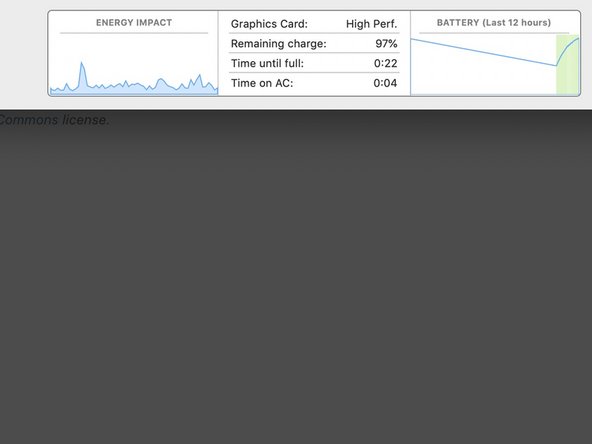
- In activity monitor the battery charging is plotted. Halfway up the charge slope is a regular MacBook charger. The last half of the upward slope is this USB C mod.
- Here I will try and update the list of chargers that do (green) and don't work (red). Maybe one day I will get enough data to come closer to a definite answer.
- If somebody has any thoughts don't hesitate to add them in the comment section.
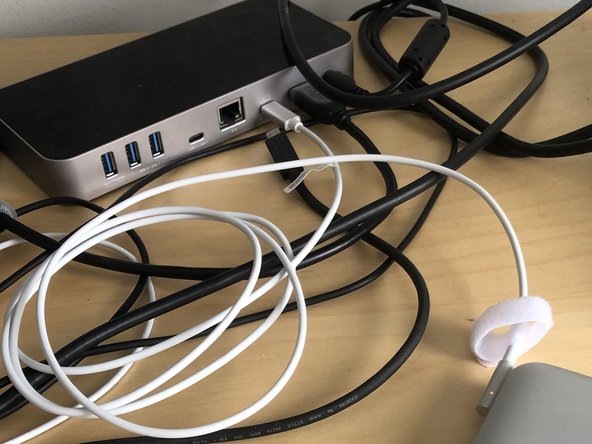
- With the docking station I tried all works as expected, with a third party power supplies, the ability of the green or orange light turning on is especially favorable when:
- You have everything plugged in and reboot. You may notice flickering of the screen during the apple logo. I think this has to do with power negotiation between macbook and magsafe.
- You turn off your computer and plug it in. Keep it plugged in with the lid down seems to be the most successful method that requires the least amount of flipping usb, replug or reboot.
- Flip the USB C power supply side 180 degree in the female female adaptor.
- Docking station always works. Maybe power negotiation chip is always present in those since its made for multiple computers.
- Buy the external battery pack and plug in the USB-C to Magsafe 1 cable.
- If you buy a battery with charge through capability then you can also charge the battery and the macbook at the same time.
- Note the external battery I bought in the Parts list. I think there is even a thinner one available now. I payed about 70Eur/70USD
- This external battery pack displays the volts, amps and estimated time left on the battery.