Panasonic EB TX320ASW Battery Replacement
ID: 157643
Description: This guide shows how to replace the battery in...
Steps:
- Power off the phone by pressing and holding the End key.
- Flip over the phone.
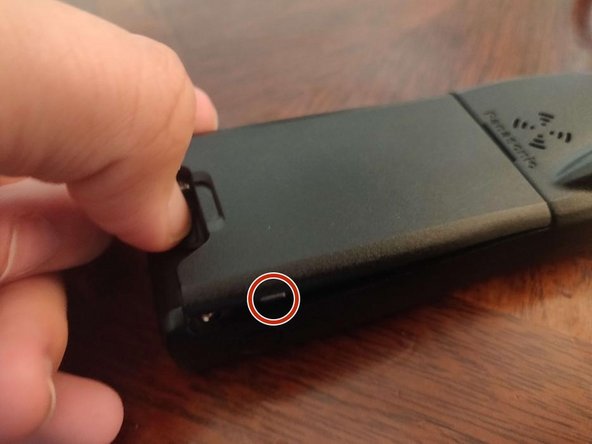
- Then, locate the battery release tab.
- With your fingernail, push the battery release tab to the bottom.
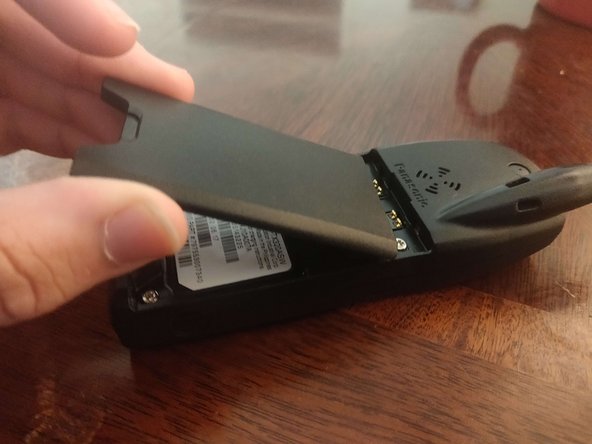
- With another finger, lift on one of the two tabs (one is circled), and continue lifting out the battery.
- At this point, you can let go of the release tab.
- You have removed your battery!