TCL Stylus Battery Replacement
ID: 157651
Description: This is how to replace the battery on a TCL...
Steps:
- Press and hold the Power button for 2 seconds.
- Then, select "Power off".
- Insert a jimmy tool into the casing to create a gap.
- Then, put a plastic pick in the gap and remove the jimmy tool.
- Finally, lift up to remove the panel.
- Remove the 10 Phillips screws holding the plastic shielding from the motherboard.
- Then, grab a pick and put in in the slot show on picture 2.
- You should then be able to lift the rest of it off.
- With your fingernail, lift up the battery connector.
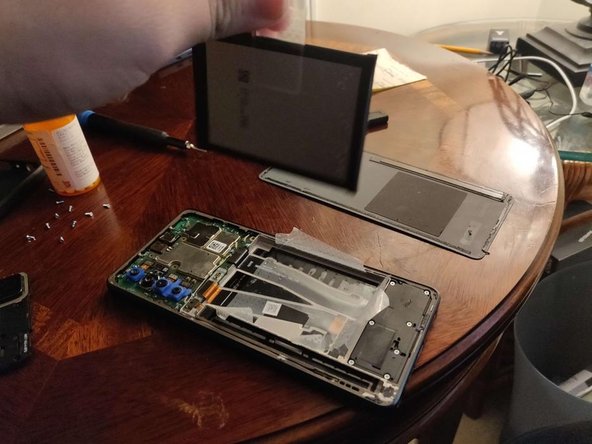
- Unpeel the tape holding the battery.
- Pull on the sticker located on the middle of the left side (colored green) of the battery to remove it.
- NOTE: The pull tab may have resistance.