Extech Multimeter MN36 Teardown
ID: 157671
Description:
Steps:
- Orange cover provides protection against shocks and better grip
- Remove two screws to take off back of multimeter
- First remove batteries to protect device as you work on it
- Remove fuse to allow for access to screws
- Remove 4 screws
- Release clips at top of circuit board
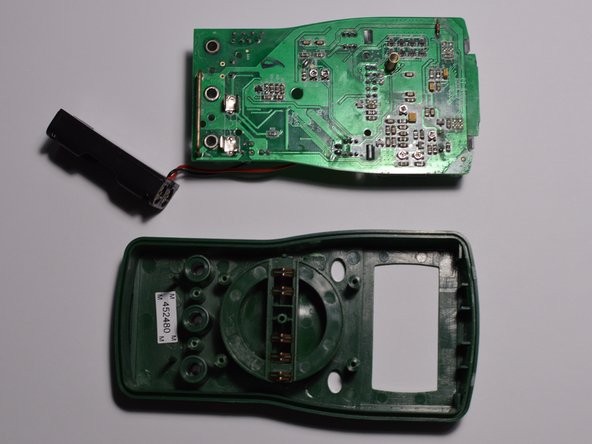
- Remove circuit board
- Remove dial
- Contacts to locate dial position on circuit board
- Detents to lock in dial position shown removed in last picture
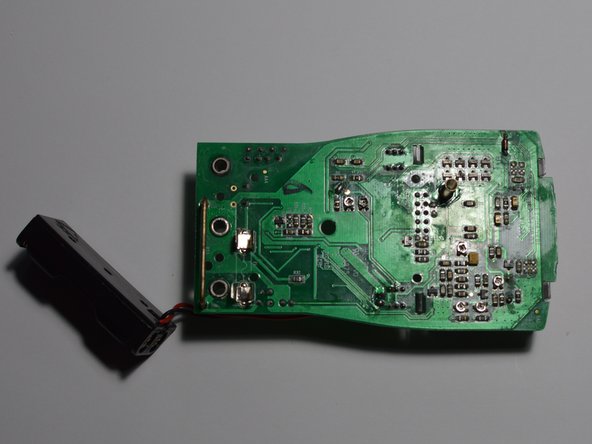
- Shown circuit board front and rear