GMMK-BRN Keyboard Switch Replacement
ID: 157787
Description: Over time, switches in a keyboard can wear out...
Steps:
- Unplug the keyboard from your device.
- Place the keyboard on a clean workspace, along with the tools required.
- Use your fingers or a keycap remover and pull directly upward to remove the keycap.
- It is possible to damage the keycap if not pulled directly upwards.
- Use the switch remover to push the tabs in on the opposite sides of the switch.
- Firmly pull the switch upwards.
- If the switch is pulled at an angle, there is a risk to damaging the switch.
- The switch may not come out easily, so more force may be required.
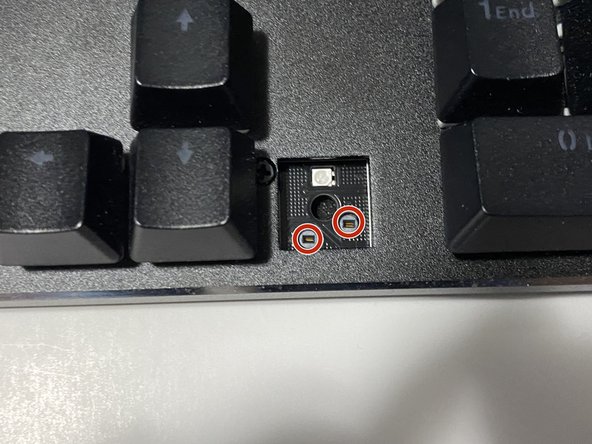
- Align the pins on the keycap with the ones inside the keyboard.
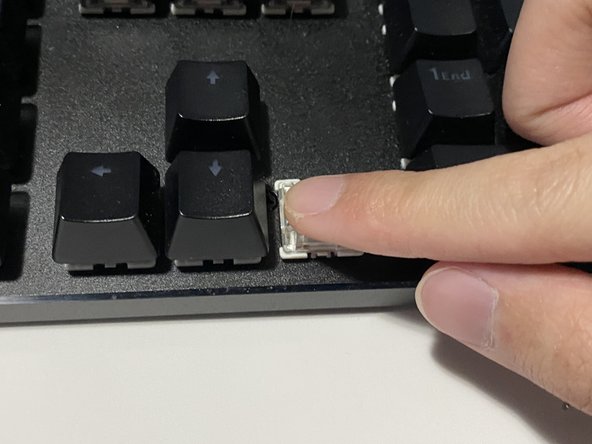
- Insert the switch, and press down firmly until a click is heard.
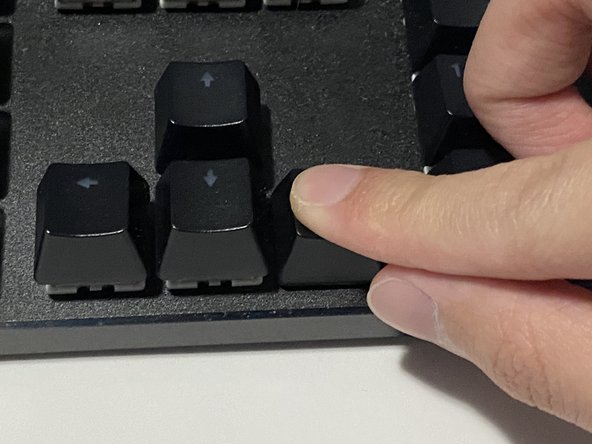
- Align the cross of the keycap with the cross of the switch.
- Push the keycap down firmly to reattach.
- Plug the keyboard back into your device.
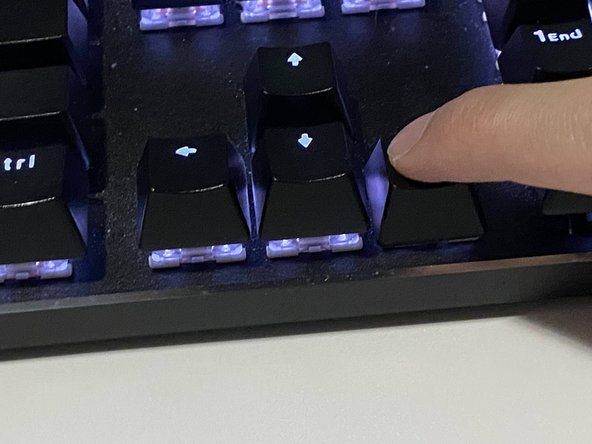
- Turn you device on and do a test to see if the new switch works.