Olympus Stylus 1030 SW AV Port Replacement
ID: 160564
Description: If your Olympus Stylus (1030 SW) camera has...
Steps:
- Use your screwdriver with a Phillips #00 screwdriver to remove all three screws.
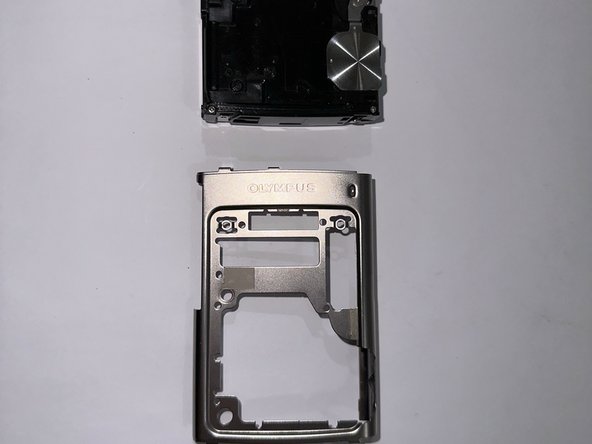
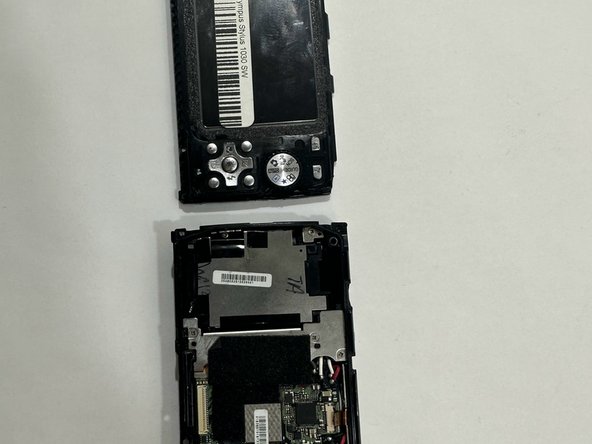
- Use your hand to lift and remove the front case.
- Remove the rear case.
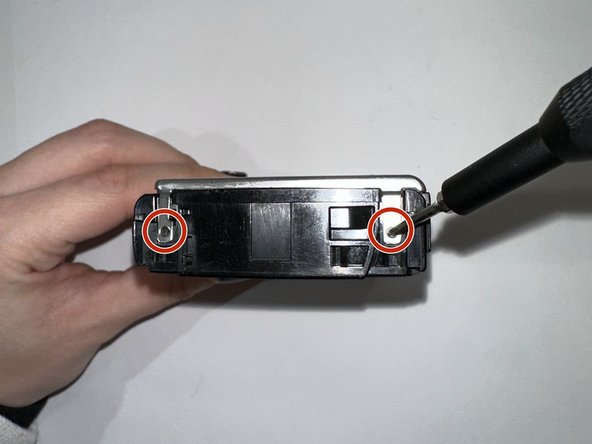
- Use a Phillips #00 screwdriver to remove both screws from the side panel.
- Remove both screws from the battery door.
- Flip the Olympus Stylus 1030 SW camera upside down, the rear side facing away from you.
- Flip your camera with the rear side facing away from you. Take your screw driver with the #00 size to remove both screws.
- Remove the front case.
- Remove the rear case.
- Start with the rear end facing away from you.
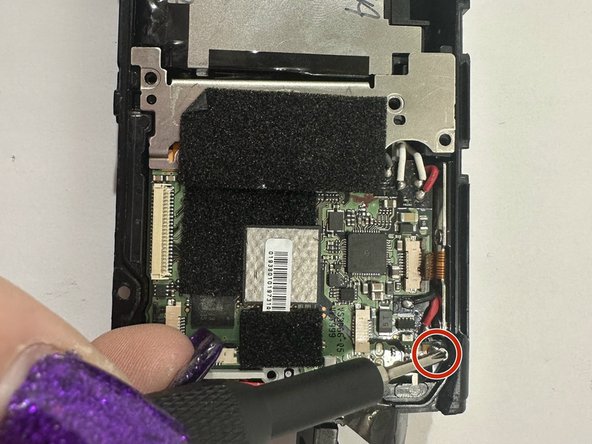
- Use a Phillips #00 size to remove both screws.
- Flip the camera to the front facing you.
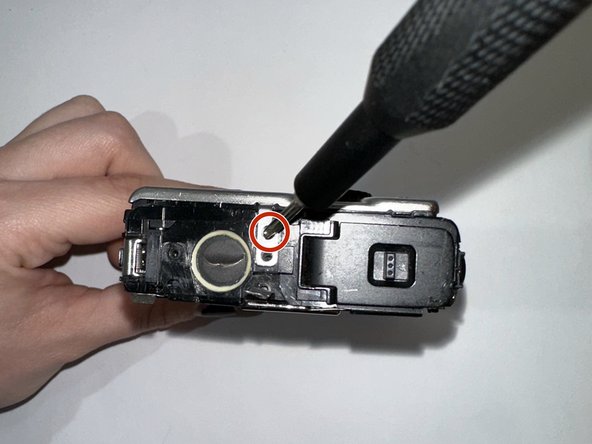
- Remove the single Phillips #00 screw.
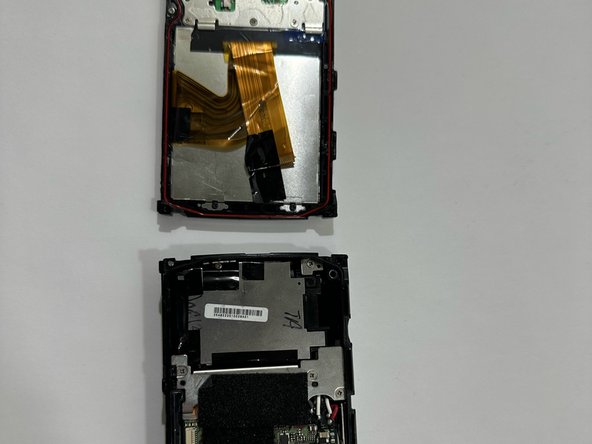
- To get to the AV port use a spudger to separate the camera.
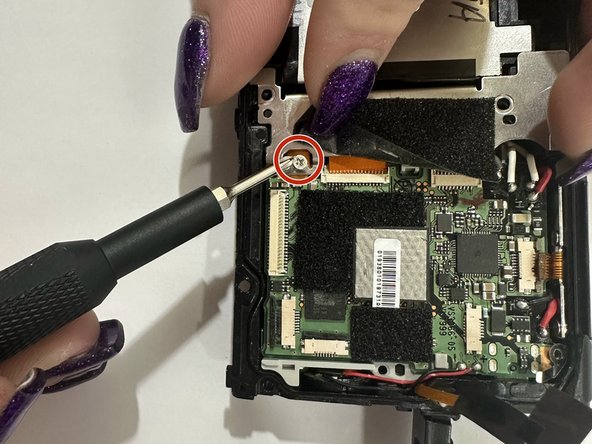
- Use a Phillips #00 screwdriver to remove the remaining two screws from the motherboard.
- Use your fingers to lift the black flap and use a Phillips #00 screwdriver to remove the two screws.
- With your tweezers from your kit, take out the motherboard of the camera.
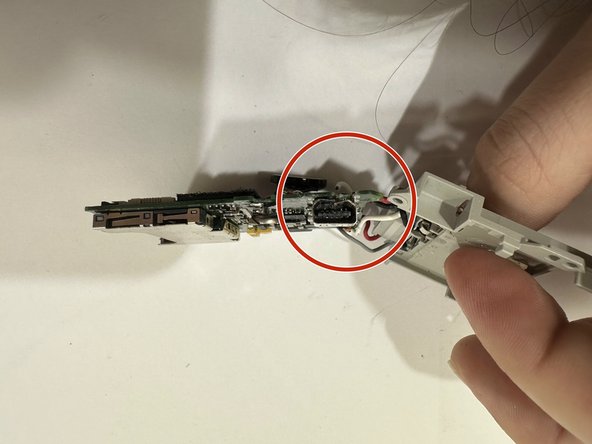
- Once the motherboard is removed separate the motherboard.
- The AV port is visible, use your spatula to wedge between the AV port to remove.