KYVOL CYBOVAC E20 Main Motor Replacement
ID: 163000
Description: If your KYVOL CYBOVAC E20 is having issues...
Steps:
- Start by laying the device on a flat surface with the logo facing up.
- Flip the device over.
- Remove two 1 mm screws using a Phillips #00 screwdriver.
- Remove the cover.
- Lift the battery.
- Press down on the top of the white connector.
- Remove the battery from the vacuum.
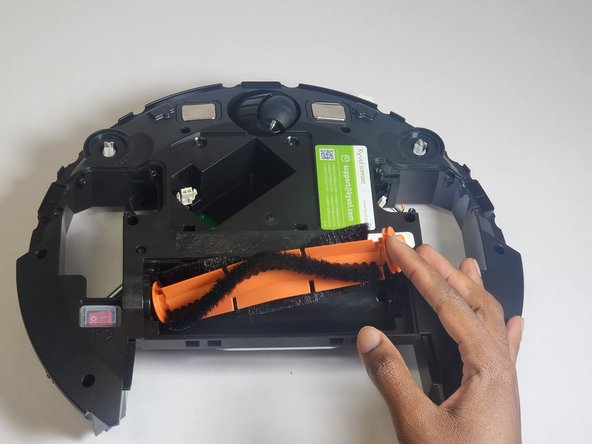
- Remove both sweepers by pinching near the base of the brushes and pulling up.
- Remove four 10 mm screws using a Phillips #00 screwdriver.
- Lift the wheel to detach the tensioning spring. This step requires you to first press down on the wheel, then detach.
- Disconnect the wheel motor from the power supply.
- Repeat the process for the other wheel.
- Remove the nine 15 mm screws using a Phillips #2 screwdriver.
- Remove the upper casing of the vacuum.
- Remove the dust chamber.
- Remove the eight 10 mm screws using a Phillips #00 screwdriver.
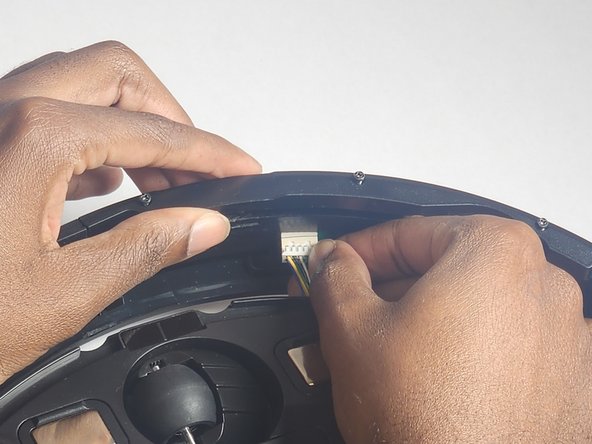
- Disconnect the plug.
- Remove the front bumper.
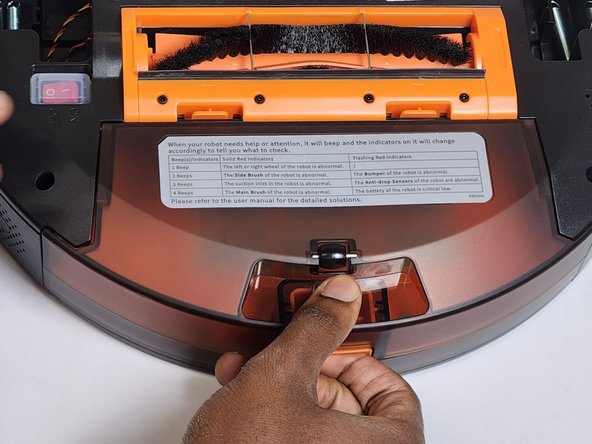
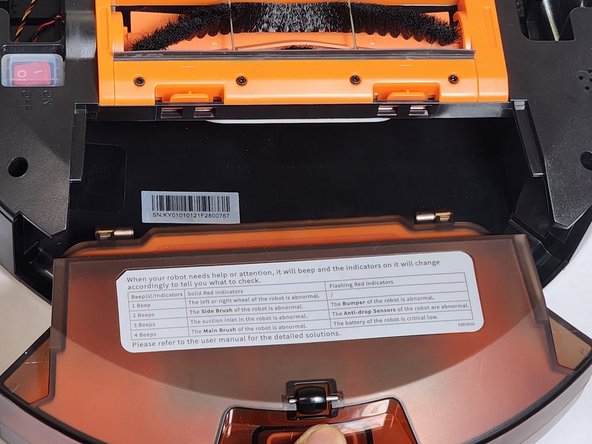
- Apply pressure to each tab to remove the cover.
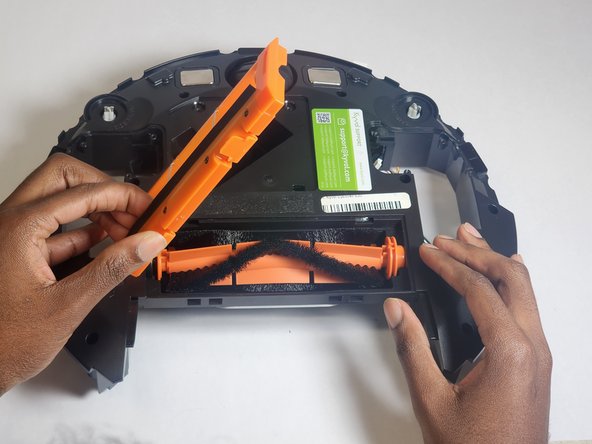
- Remove the main brush.
- Flip the vacuum so it is upright.
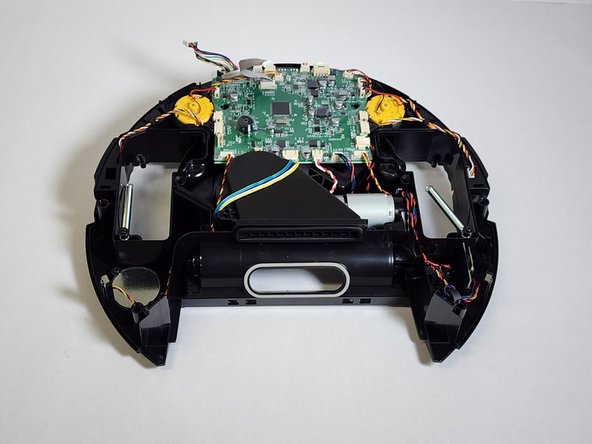
- Disconnect the outer shell from the motherboard.
- Remove the single 10 mm screw using a Phillips #0 screwdriver.
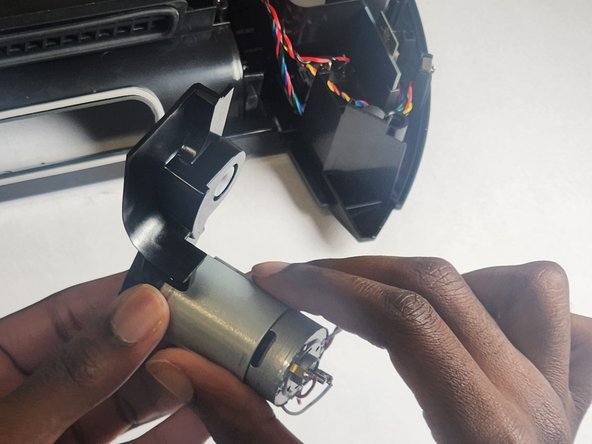
- Disconnect the motor from the motherboard and remove the main motor assembly.
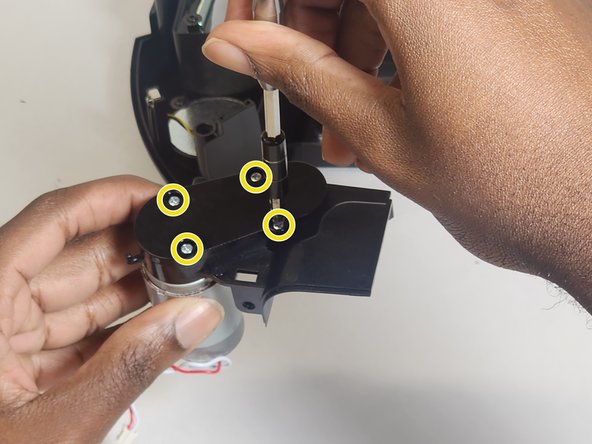
- Remove the four 6 mm screws using a Phillips #1 screwdriver.
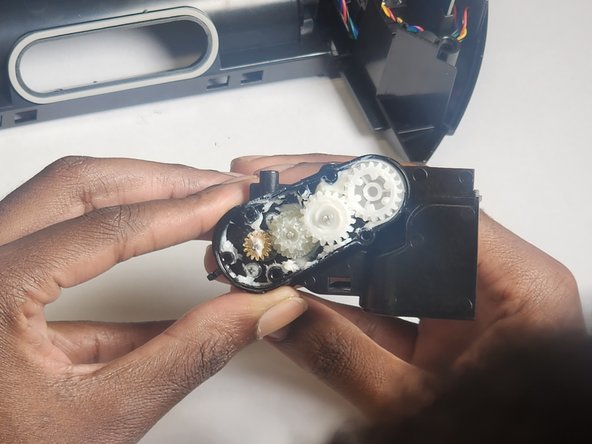
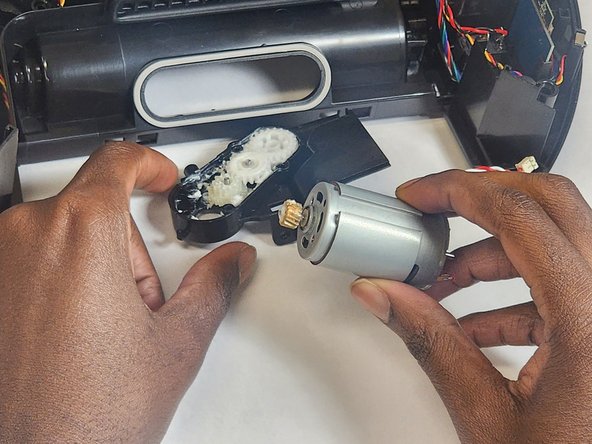
- Remove the gearbox cover.
- Remove the two 6 mm screws using a Phillips #1 screwdriver to separate main motor from the housing.