Lenovo ThinkPad E570 Keyboard Replacement
ID: 163243
Description: This guide will walk you through how to replace...
Steps:
- Turn the laptop over so that the bottom is facing upwards.
- Remove the three 5 mm screws using a Phillips #0 screwdriver.
- Flip the laptop over and open the lid.
- Gently press against the keyboard and slide it up.
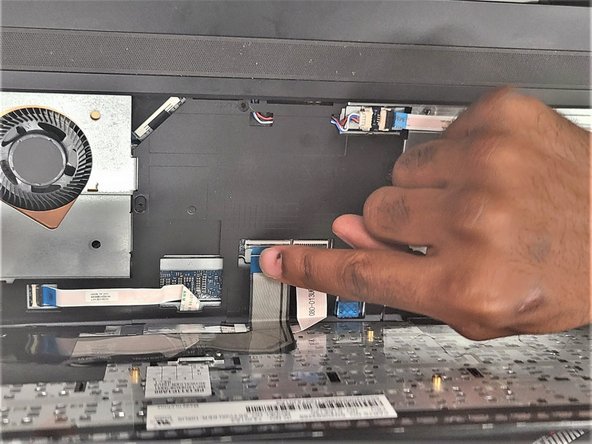
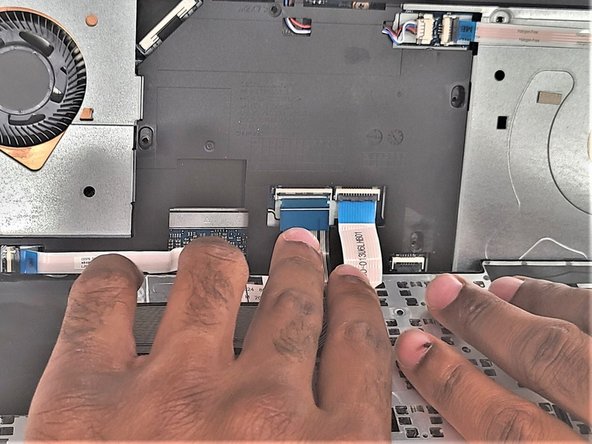
- Pull up keyboard from the casing and flip it towards you to access its cables.
- Unlatch two connector cables from the keyboards and pull the skinny black tab up to disconnect the keyboard.