JBL Everest Elite 300 Headband Cushion Replacement
ID: 167287
Description: If the headband of your headphones displays...
Steps:
- Extend the headphone.
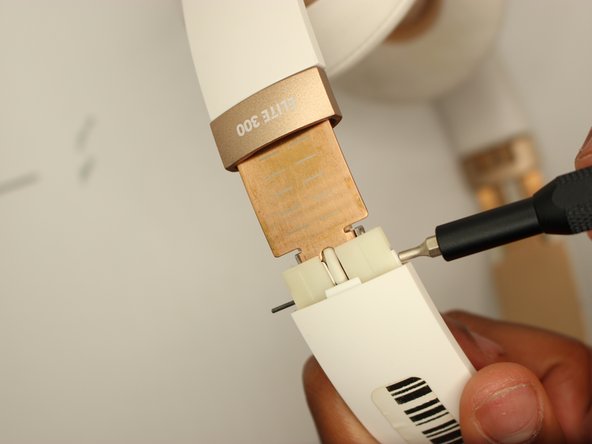
- Bend the hinge slightly, then remove the two .5 mm screws with a Phillips #000 screwdriver.
- This will be repeated on both sides.
- Slide down the "Elite 300" tab.
- Repeat on both sides.
- Use a SIM tool to push pin fully through and out.
- Repeat on the other side.
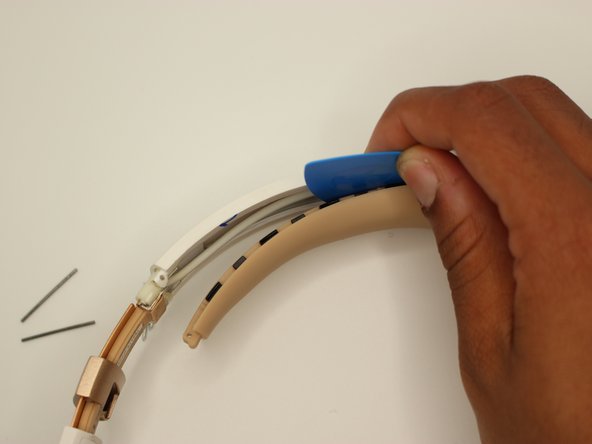
- Go along the edges with the pick, and pull up, taking off the band.
- After fully taking off the band, you are now ready to insert in the new band.
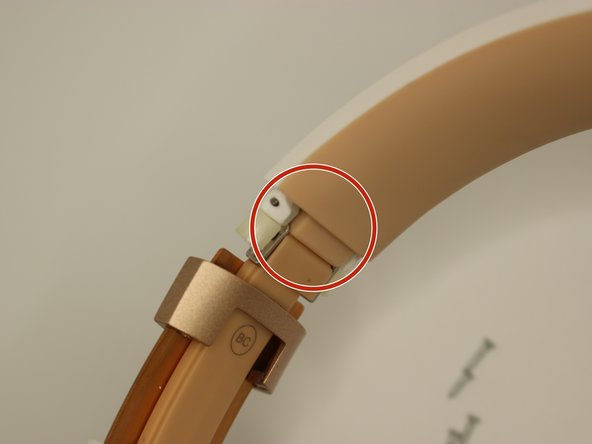
- When placing in the new headband, line up the holes as shown in image 2.
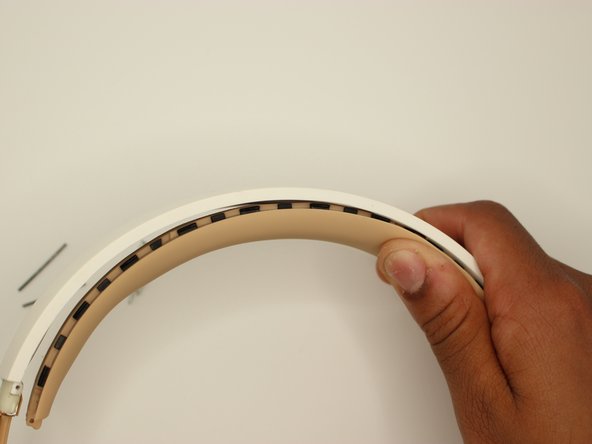
- The headband is difficult to replace, however after lining up the holes, the headband will snap into place. Push into the plastic and push away from you. A click will happen indicating it attatching.