Samsung UBD-M8500 Motherboard Replacement
ID: 167298
Description: If you're experiencing persistent performance...
Steps:
- On the back of the device, remove the three 8.1 mm screws with a Phillips #1 screwdriver.
- From the back lift the case of the device upwards then forward, releasing the clips from the front.
- Using two fingers in a pinching motion, release the wire from the clip that is attached to the outer shell and disconnect it.
- Do not pull on the wires.
- Remove the cover of the device.
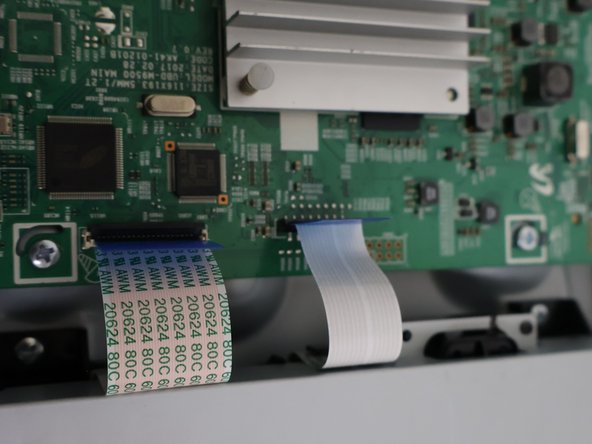
- Remove the two ribbon cables from the motherboard.
- Be careful while doing so because they are fragile.
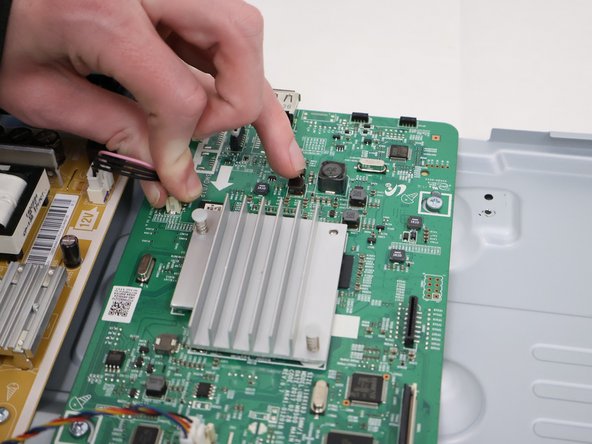
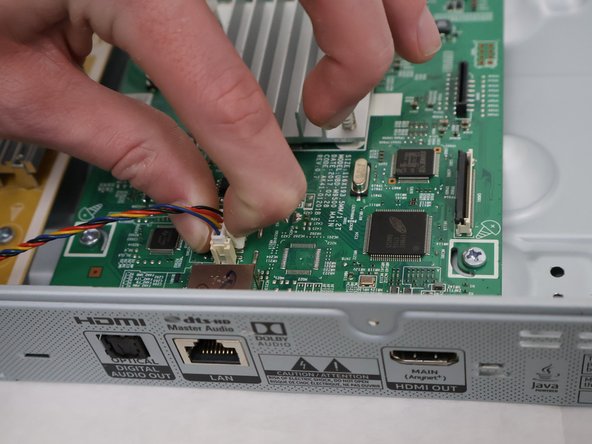
- Remove the three cables on the left side.
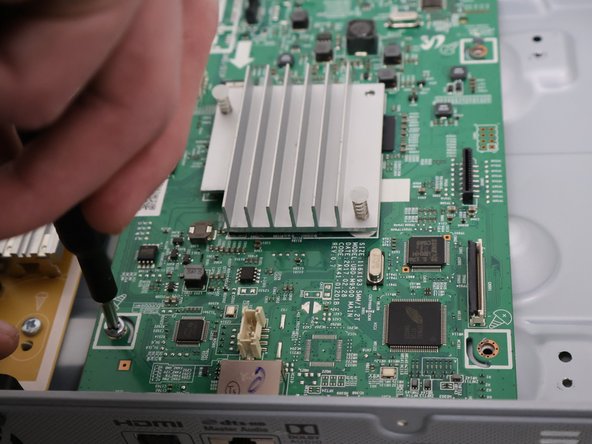
- Remove the four screws from the corners of the motherboard with the Phillips #1 screwdriver.
- Lift the motherboard up and out.