HP Pavilion 15-p043cl Wi-Fi Card Replacement
ID: 167322
Description: This repair guide is for the HP-Pavilion...
Steps:
- Flip over the laptop so that the screws on the bottom are exposed.
- Use a #1 Phillips screwdriver to remove the single 8 mm screw that secures the optical drive.
- There is a CD/DVD symbol on the case that helps identify the correct screw.
- Use your fingers or a wedge to pull out the Optical Drive from it's slot.
- If the faceplate of the drive is pulled off it can be reattached.
- Flip laptop to make the backplate face up.
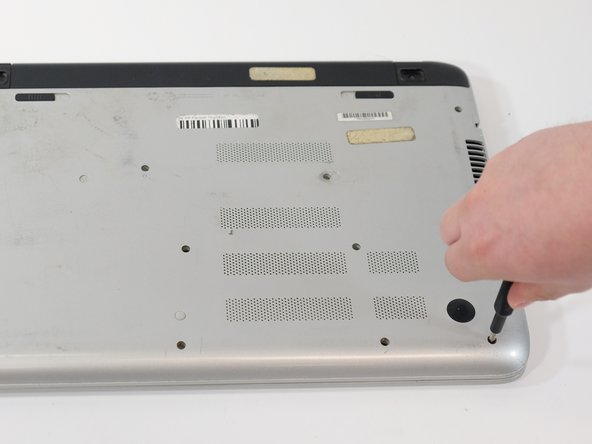
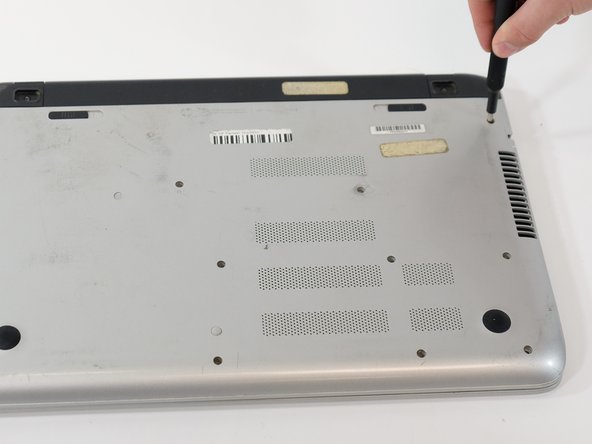
- Use a #1 Phillips-head screwdriver to unscrew all eleven 8 mm bottom case screws.
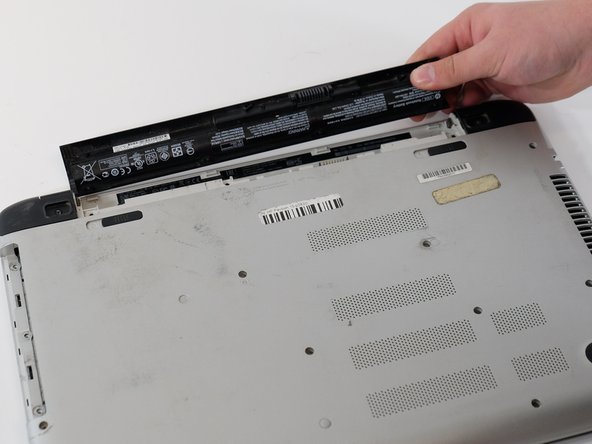
- Pull out the battery by positioning the switch with the lock symbol on unlock and pushing the switch with the battery towards the center of the laptop
- Flip over the laptop so the HP symbol is facing up.
- Open the lid of the laptop.
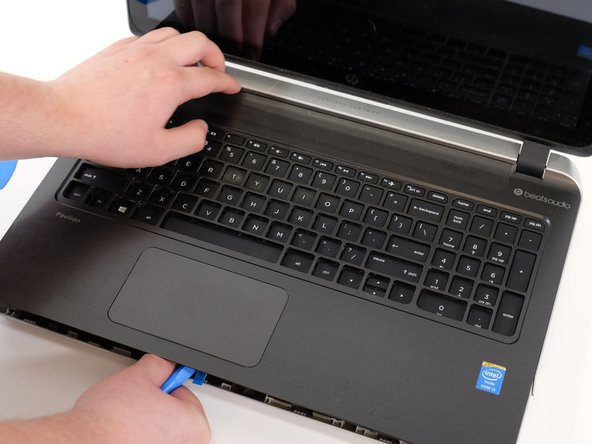
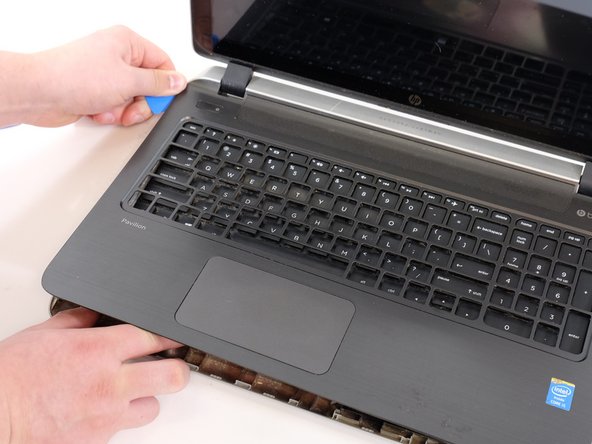
- Using the spudger, pry between the case and keyboard/mousepad area.
- Carefully remove the keyboard area.
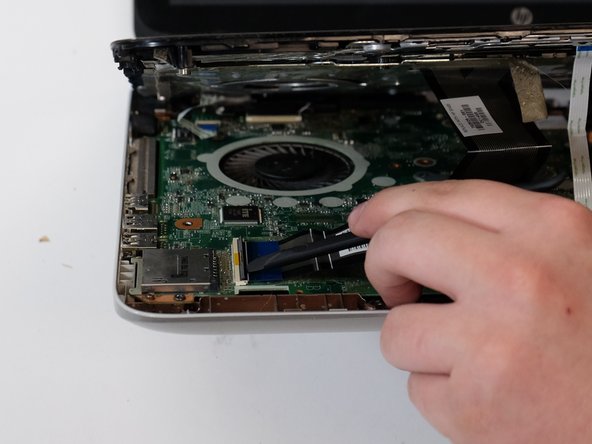
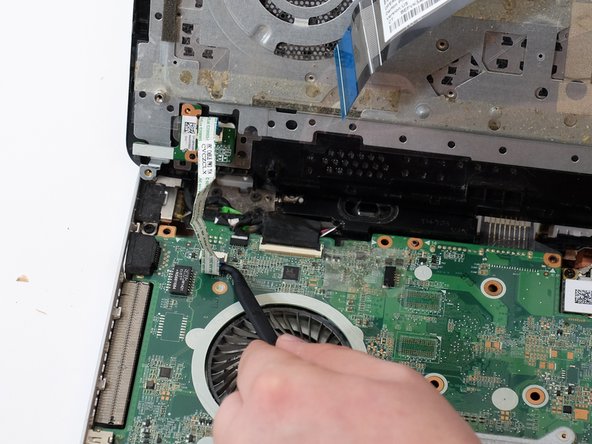
- Make sure to unplug the 3 ribbon cables connecting the keyboard, mousepad and power button to the motherboard.
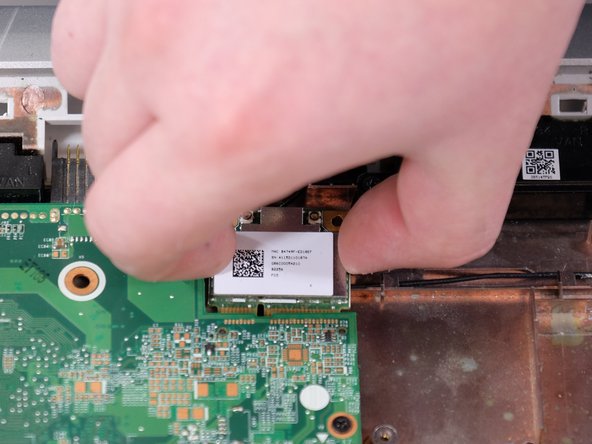
- Unplug the black and white wires from the Wi-Fi card.
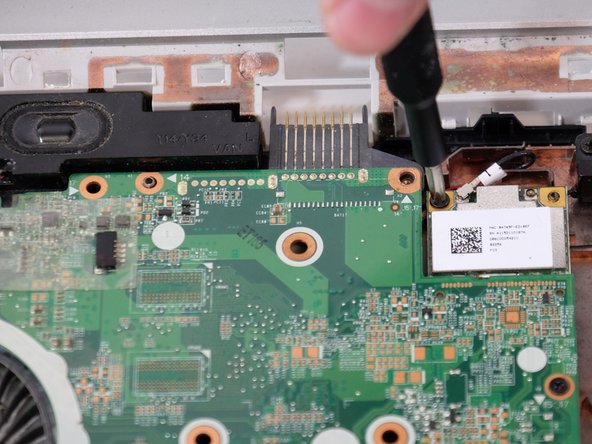
- Unscrew the 4 mm screw holding the Wi-Fi card in place.
- Gently pull up and away from the motherboard to pop out the card.