PlayStation 5 Slim Fan and SSD Cover Removal
ID: 167670
Description: This guide shows how to remove the fan and SSD...
Steps:
- Lay your PlayStation on its side so the right side covers are facing up.
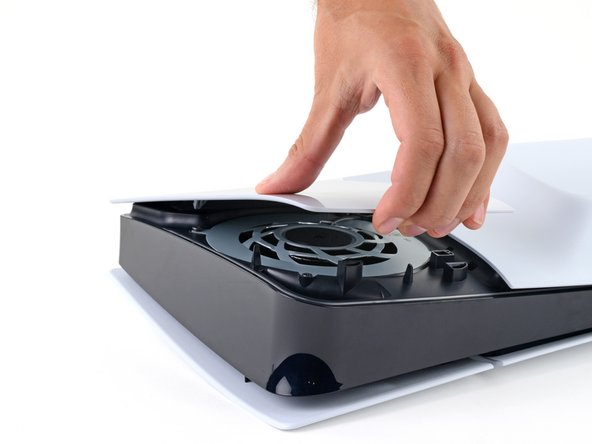
- The cover is secured with hooks along the back edge and clips along the front edge.
- Firmly pull up the front edge of the smaller, upper cover to release the clips.
- You'll hear distinct "pops" as the clips disengage.
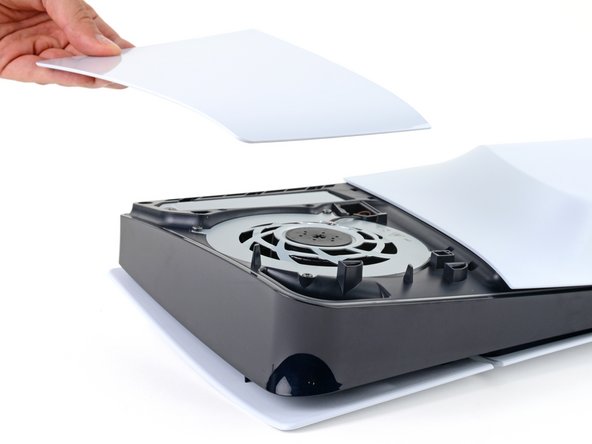
- Remove the cover.
- To reinstall the cover, place the hooks into their cutouts along the rear edge and firmly press the front edge of the cover into place to re‑engage the two clips.