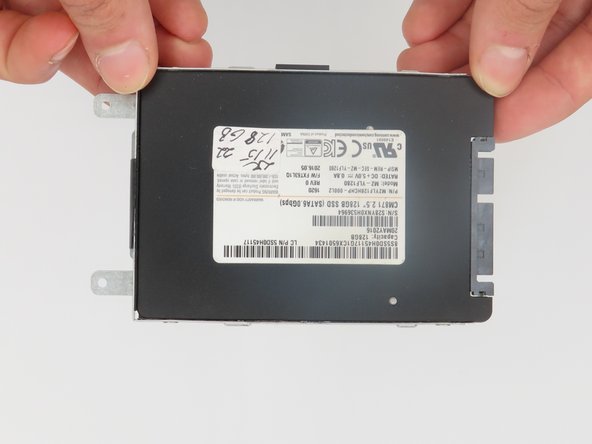
Lenovo Flex 2-15 SSD Replacement
ID: 170568
Description:
Steps:
- Begin by taking the back plate off of your device.
- Using a Phillips head screw driver, take out the highlighted screws for your device.
- Locate the SSD bay for your device via the highlighted portion.
- Using the pull tab shown here, gently take the SSD out of its highlighted slot.
- We will need to use a Phillips screwdriver to take the SSD out of its bay.