Acer Chromebook R841T-S4ZG Speaker Replacement
ID: 170573
Description: If your Acer Chromebook R841T-S4ZG speakers are...
Steps:
- Unscrew the 8 back screws, circled in red. The screws in red are 4.90mm x 5.71mm.
- The 4 blue screws on the bottom are 4.81mm x 4.6mm.
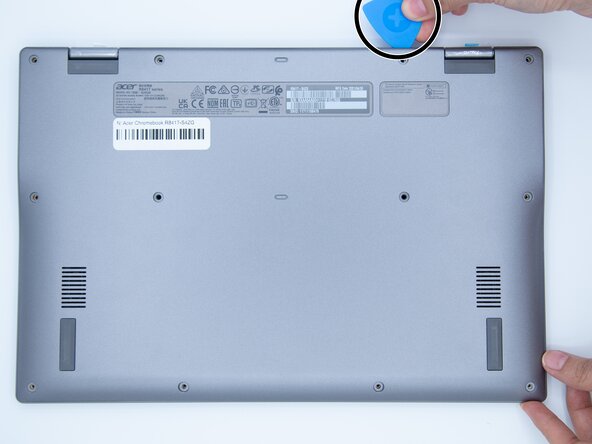
- Using an opening pick, unclip the lips that are located around the edges of the device.
- On the inside of the laptop, you find the speakers on the left and right side of the bottom panel.
- The light grey plastic connector that powers the speakers unplug by gently pulling the clip connector.
- The speakers are connected by a wire at the bottom. Pull the wire and lift the left speaker up.
- The final speaker should lift up, and the pair is free from the panel.