Altair WBP-210 Mini-XLR socket Replacement
ID: 170576
Description:
Steps:
- Remove the nut on the mini-xlr connector.
- Slide off rubber corner panels holding together the case.
- If your device has additional screws holding the case together, remove those as well.
- Not all devices have these screws.
- Separate the two halves of the case using a suitable tool.
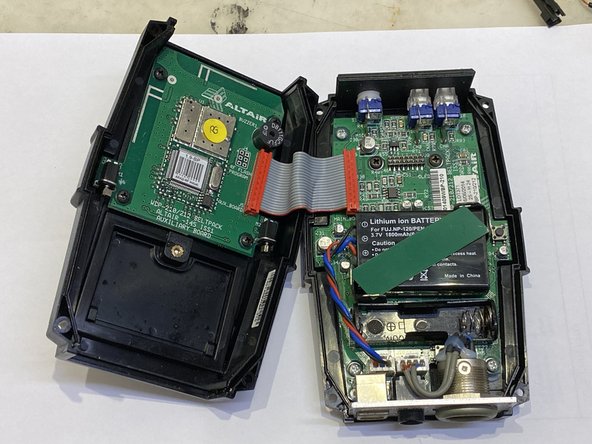
- Pay attention to the ribbon cable connecting the two halves.
- The top and bottom panels stay attached to the front of the case.
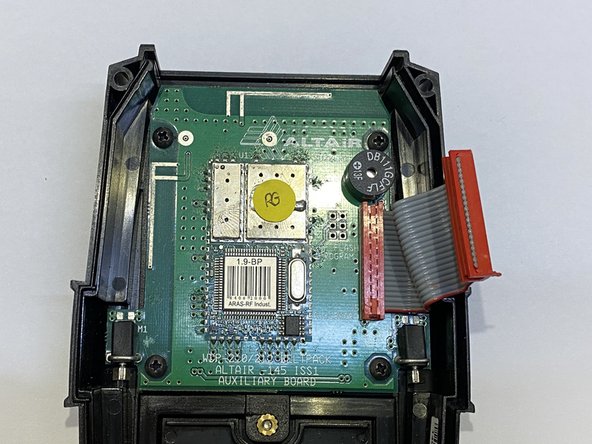
- Disconnect the Auxiliary Board from the Main Board and put it aside.
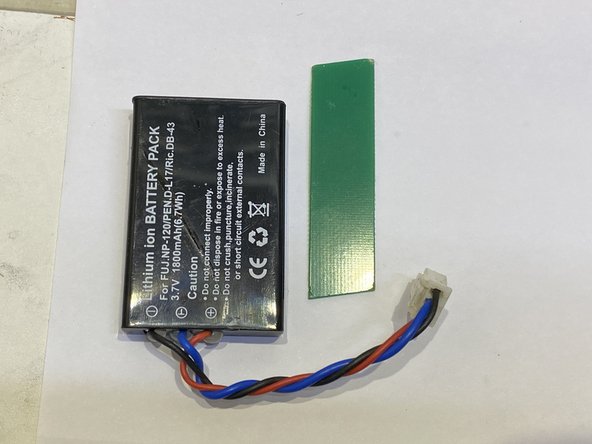
- Disconnect the battery connector.
- Gently remove the strip of PCB holding the battery in place.
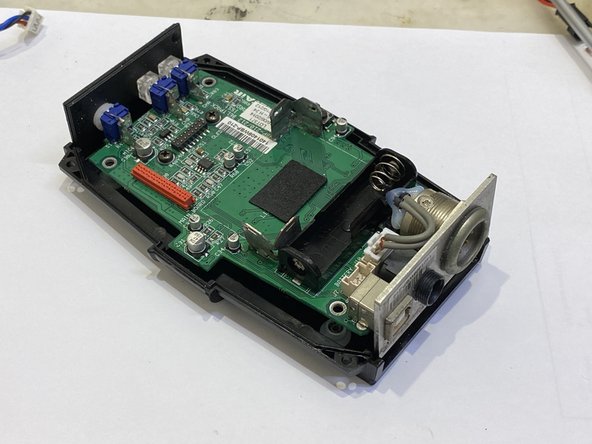
- The Main Board is held in place by four PH screws.
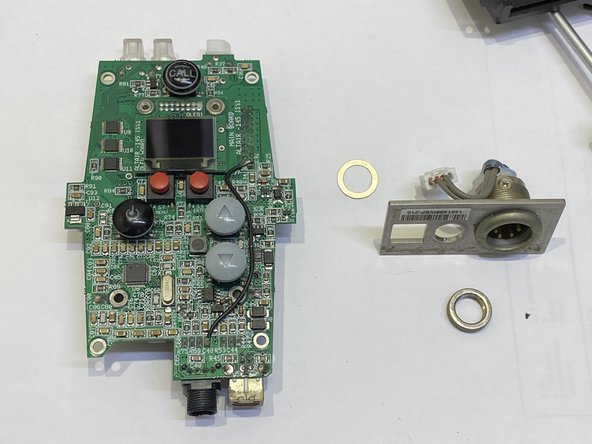
- After removing the screws, gently slide the Main Board out of the main case, together with the top and bottom plates.
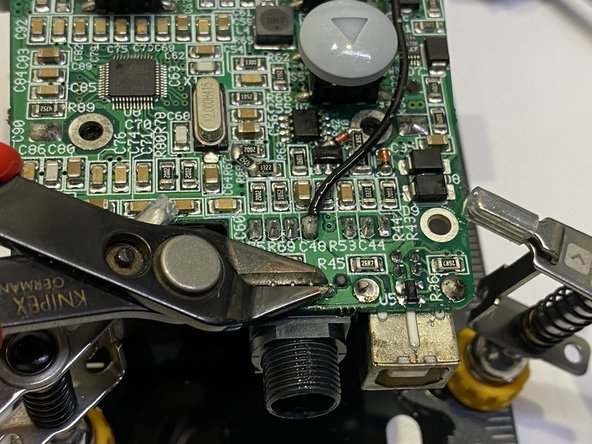
- Desolder the defective connector.
- It is held in place by 4 pins, no additional pads.
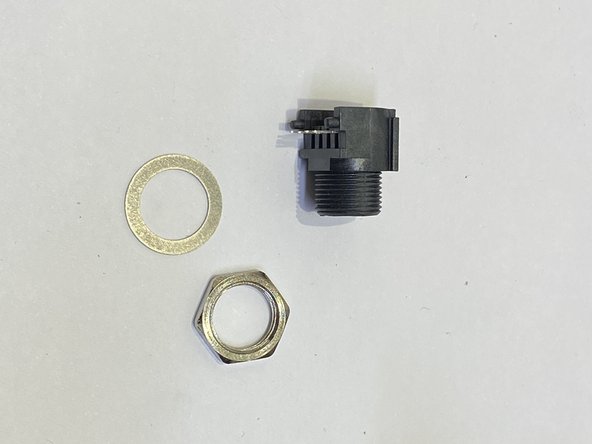
- Matching replacement part is Switchcraft TRAPC4MSX
- Amphenol AG4MPCH and Kuilong YA137-2 might fit too.
- Re-solder the new connector.
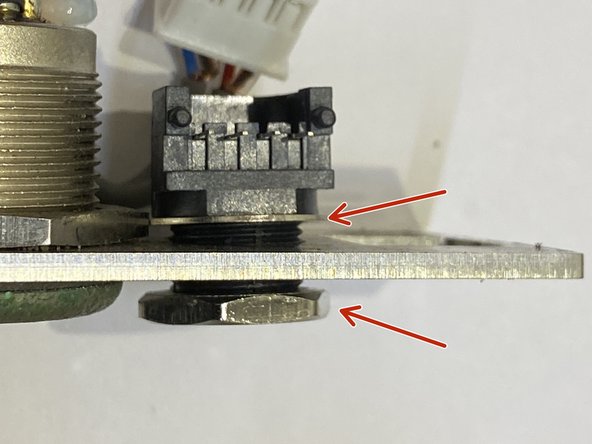
- Reassemble the lower cover plate.
- Pay attention to the location of the washer.
- Tighten the nut on new connector.