Shark Navigator Lift-Away Zero-M Power Switch Replacement
ID: 171824
Description: Use this guide to replace a broken or...
Steps:
- Depress the dust cup release button and remove the dust cup.
- Use a Torx TR6 screwdriver to remove the seven 18 mm screws from the frame of the vacuum.
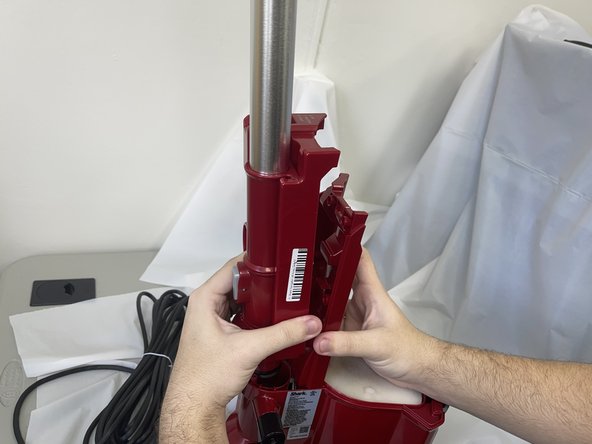
- Grab the front of the vacuum frame and lift the wand assembly to remove it.
- This will reveal the underside of the switch.
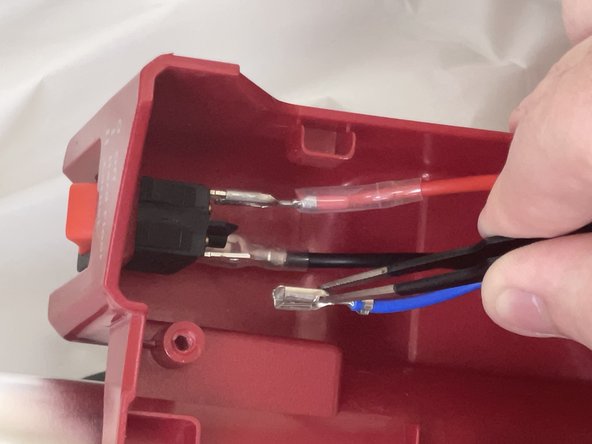
- Use tweezers or your fingers to disconnect the power switch connectors.
- Each of the wires has a release tab at the bottom of the metal portion. Be sure to depress it before pulling to avoid damage.
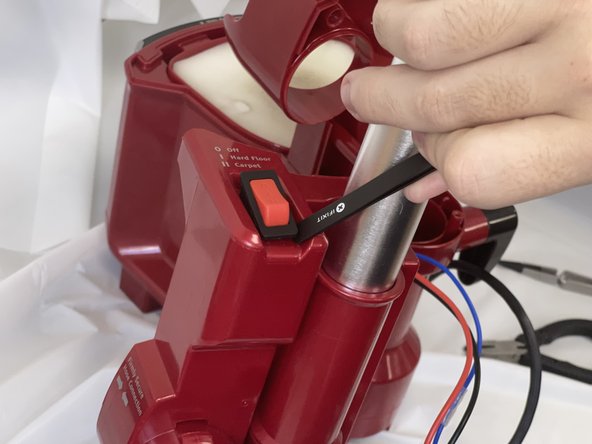
- Push the switch out of its housing from the underside.
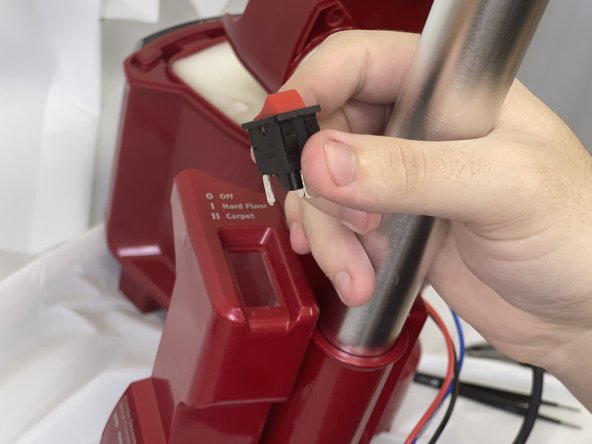
- Remove the switch.